

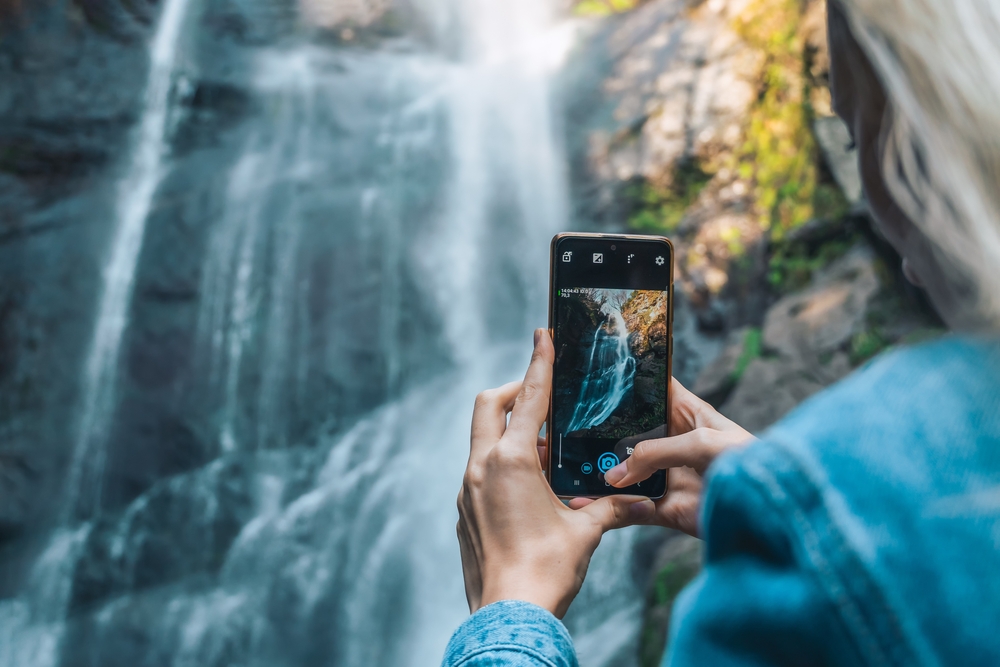
Shooting outdoors in rain, snow, or mist can be intimidating for smartphone photographers. Water, condensation, and slippery surfaces can compromise both your images and the safety of your device. Yet these challenging conditions also offer unique opportunities to capture dramatic reflections, textures, and atmospheric light that are impossible in clear weather.
With the right approach, smartphone photography in wet conditions can be both safe and creative. By choosing protective gear, adapting your shooting techniques, and planning for environmental challenges, you can continue capturing stunning images even when the weather turns against you.
This guide covers everything from essential accessories to practical strategies that keep your smartphone safe and operational in wet weather!
Table of Contents
- Understanding the Challenges of Wet Conditions for Smartphone Photography
- Essential Gear for Smartphone Photography in Rain and Snow
- Camera Canopy for Mobile: Protecting Your Smartphone While Shooting
- Shooting Techniques for Wet Conditions
- Using Lighting and Exposure to Your Advantage
- Composition Tips for Rainy and Snowy Scenes
- Apps and Settings That Help in Wet Weather
- FAQ
Understanding the Challenges of Wet Conditions for Smartphone Photography
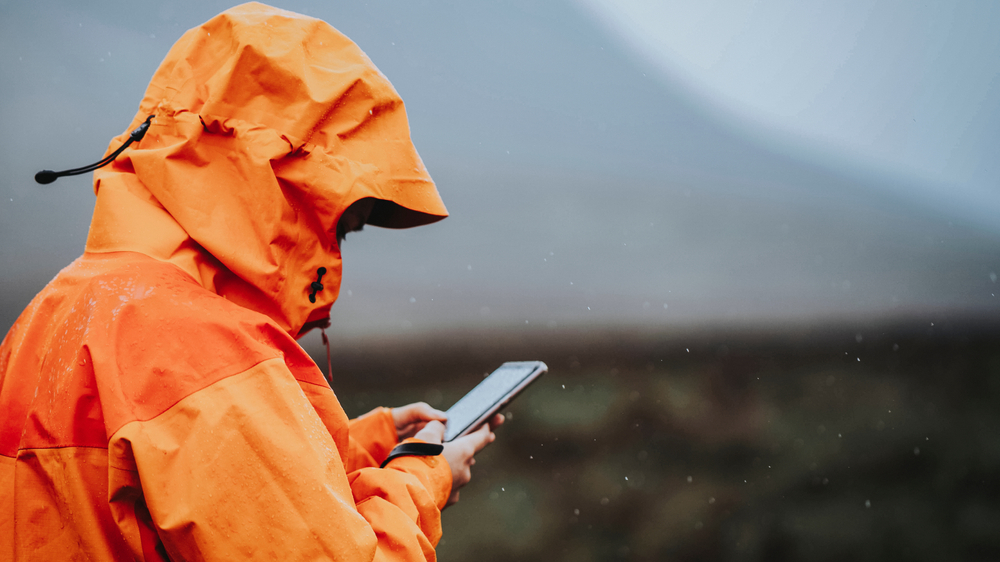
Photo by Rawpixel.com via Shutterstock
Smartphone photography in wet conditions presents unique challenges. Moisture can seep into your device, potentially causing long-term damage. Even brief exposure to raindrops, snow, or mist can leave lenses foggy or screens slippery, which interferes with framing and focusing.
Image quality can also suffer. Water droplets or smudges on the lens can blur details, create glare, or distort colors. Your screen may become difficult to view, making it harder to assess composition or exposure in real time.
These factors require photographers to be proactive. Understanding the risks of shooting in rain or snow helps you prepare with the right gear and strategies, minimizing the likelihood of damaged equipment or compromised images.
Essential Gear for Smartphone Photography in Rain and Snow
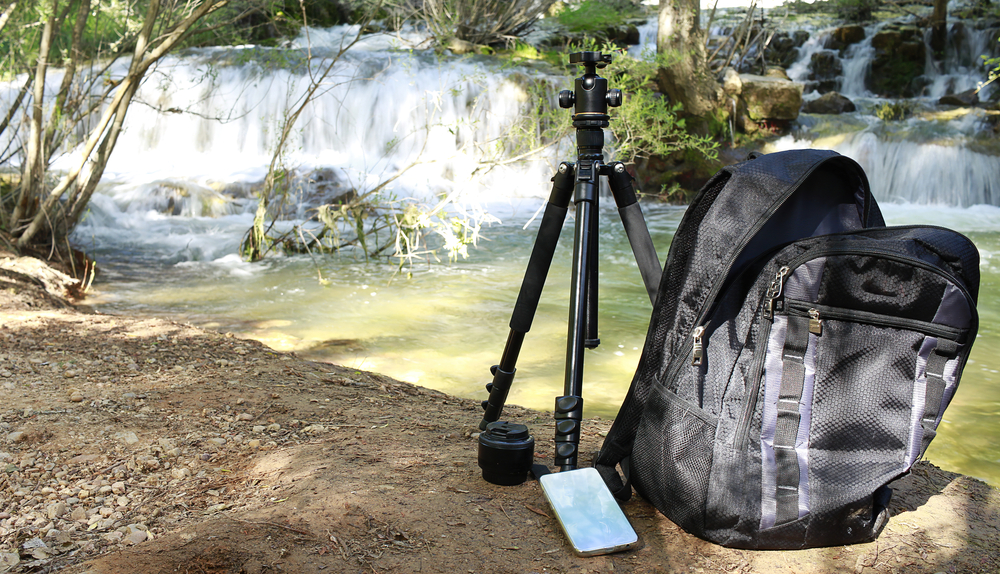
Photo by Sendo Serra via Shutterstock
Protective accessories are crucial for smartphone photography in wet weather. Waterproof cases or pouches offer primary protection, shielding the device from rain, snow, and accidental splashes. Microfiber cloths or lens wipes help keep lenses clear between shots.
Stabilization tools such as lightweight tripods, handheld gimbals, or flexible mounts improve sharpness and control, especially when your hands may be wet or gloved. Even a simple tabletop tripod can reduce shake while allowing quick adjustments in tight spaces.
Weather-appropriate gloves that allow touch screen operation make a huge difference. Maintaining dexterity while keeping hands warm and dry ensures you can access camera settings and shutter controls without removing protective clothing, keeping your workflow smooth.
Camera Canopy for Mobile: Protecting Your Smartphone While Shooting
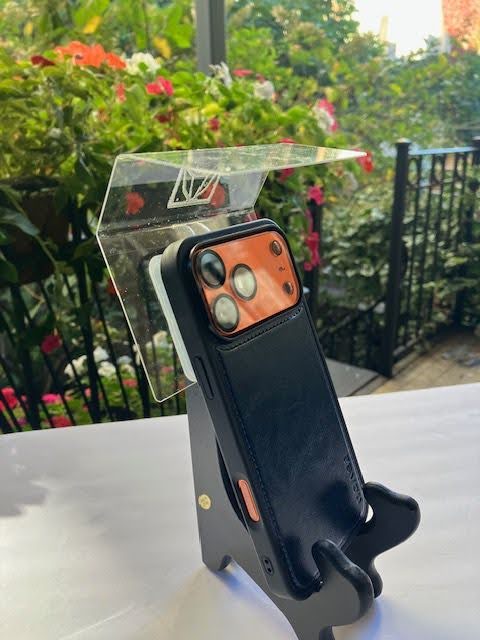
The Camera Canopy for Mobile is an essential tool for smartphone photography in wet conditions. This one-piece plastic shield extends over your phone’s lens, preventing water from interfering with shots while keeping the device fully functional. Suction cups secure the canopy in place without leaving residue.
The canopy allows you to shoot in landscape or portrait orientation, keeping the screen visible and your hands free to operate the camera. This protection enables photographers to focus on composition and timing rather than worrying about rain or snow damage.
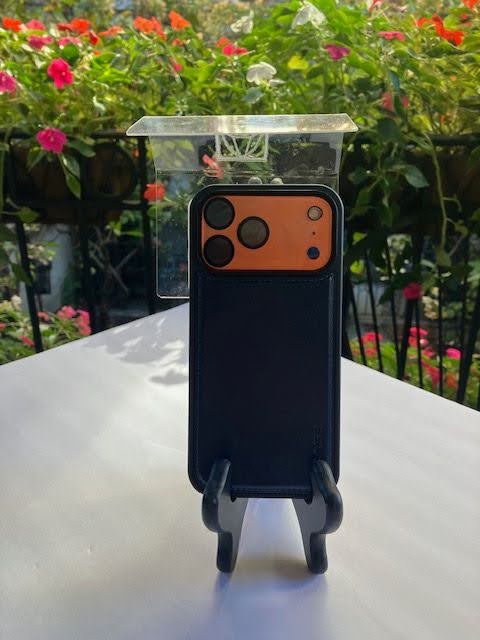
Integrating the Camera Canopy for Mobile into your lightweight smartphone kit provides peace of mind and extends your shooting opportunities. Whether capturing street photography, landscapes, or candid moments, this accessory keeps your phone safe and usable in nearly any wet environment.
Shooting Techniques for Wet Conditions
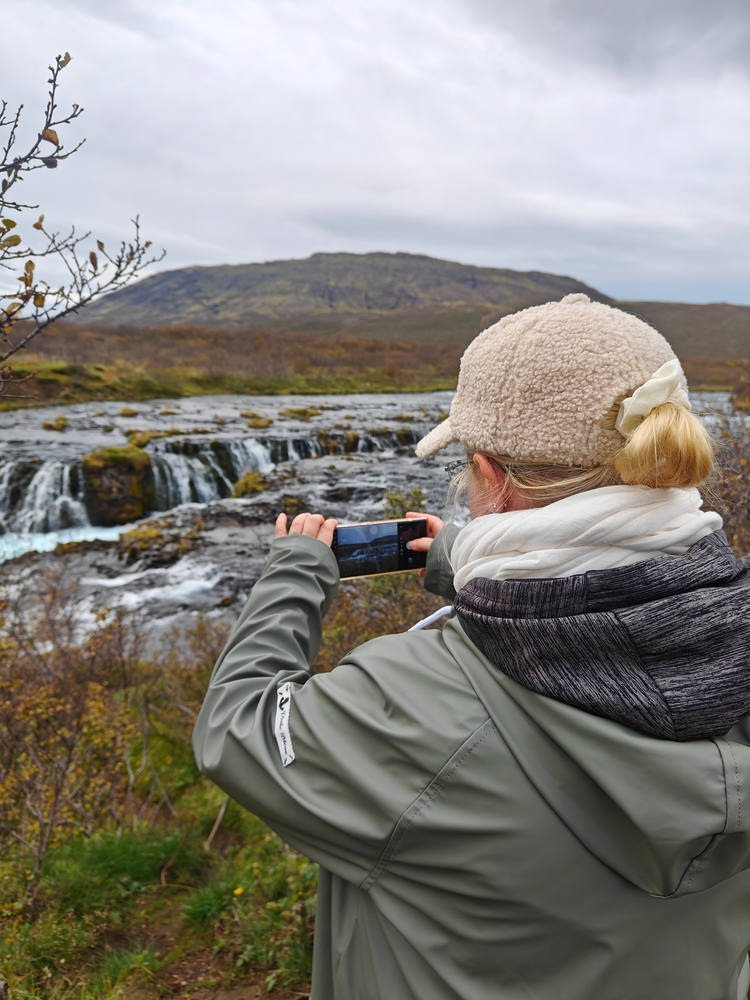
Photo by Elena Valebnaya via Shutterstock
Maintaining clear lenses is critical for smartphone photography in wet conditions. Wipe off water droplets frequently and angle your phone to minimize direct exposure to falling rain or snow. Quick reflexes help capture fleeting moments before weather affects the shot.
Stabilization is key. Even small movements can blur images in low-light or rainy conditions. Use tripods, monopods, or place the phone on stable surfaces whenever possible to ensure sharp results.
Consider alternative perspectives. Shooting from under eaves, using reflections in puddles, or capturing raindrops on foliage can create compelling compositions that enhance your wet-weather photography.
Using Lighting and Exposure to Your Advantage
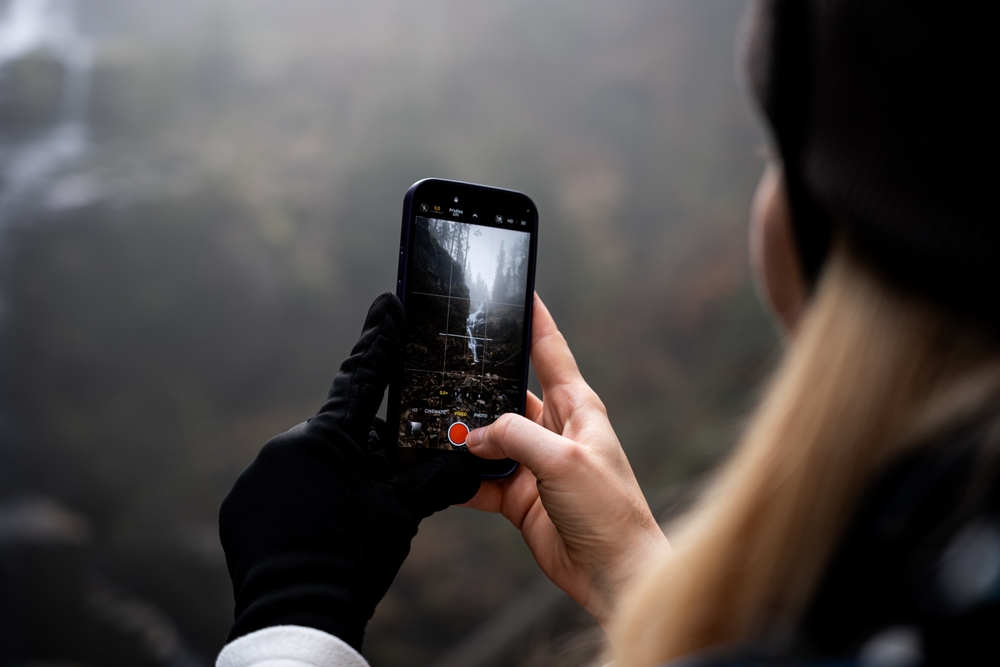
Photo by Anton Kustov via Shutterstock
Overcast skies often accompany wet conditions, providing soft, diffused light. This can reduce harsh shadows and create mood but may require exposure adjustments to prevent underexposed images. Smartphone cameras may need manual exposure or HDR mode to balance highlights and shadows.
Reflections on wet surfaces can be powerful compositional elements. Positioning your smartphone to capture reflections in puddles or rain-slick streets adds depth and visual interest. Experiment with angles to achieve unique perspectives.
Artificial light, such as LED panels or smartphone-compatible flash, can help illuminate subjects in dark or stormy conditions. Use it subtly to preserve natural ambiance without overexposing highlights.
Composition Tips for Rainy and Snowy Scenes
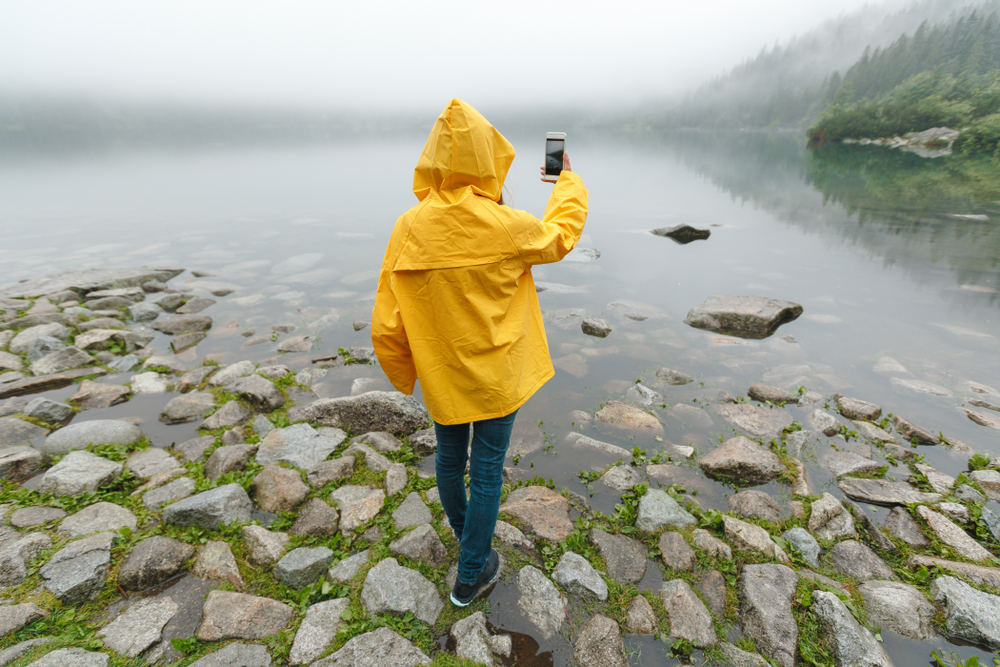
Photo by PhotoSunnyDays via Shutterstock
Include foreground elements such as raindrops on leaves, snowflakes on surfaces, or wet pavement to create depth. Close-up details add texture and enhance the storytelling aspect of your smartphone photography.
Reflections can double the visual interest in a scene. Look for puddles, icy surfaces, or glass surfaces to create symmetry and dramatic effects. Experimenting with reflections often leads to dynamic compositions.
Motion blur can convey falling rain or drifting snow. Adjust shutter speed if your app allows or use burst mode creatively. These techniques emphasize movement and create mood without requiring advanced equipment.
Apps and Settings That Help in Wet Weather
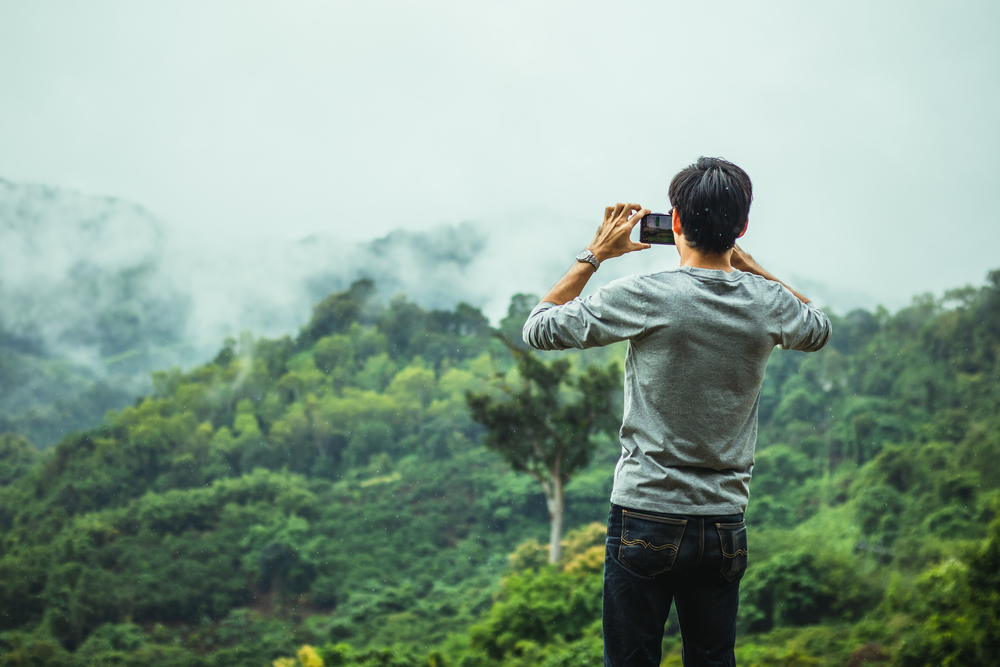
Photo by Yuwarin Stockphoto via Shutterstock
Manual camera apps allow you to adjust focus, shutter speed, and exposure, giving more control in tricky lighting. RAW capture preserves detail for post-processing, helping to correct color balance affected by wet conditions.
Editing apps can enhance contrast, sharpen details, and remove minor lens distortions or water spots. These tools extend your creative possibilities when shooting outdoors in wet weather.
Remote triggering apps reduce the risk of blur caused by pressing the shutter button with wet or gloved hands. Combined with a tripod or stabilizer, they provide cleaner, sharper images.
FAQ
How does the Camera Canopy for Mobile protect my phone?
It extends over the lens with a one-piece shield, preventing water and snow from interfering with your shots while keeping full access to camera controls.
Can I use it in heavy rain or snow?
Yes, the canopy is designed to protect smartphones in moderate to heavy wet conditions, allowing safe shooting in most outdoor weather.
Do I still have full access to camera settings while using it?
Yes, the clear shield ensures visibility of the screen and touch controls, allowing complete functionality.
What other accessories help with smartphone photography in wet weather?
Waterproof cases, tripods, microfiber cloths, and gloves compatible with touchscreens are all useful additions to your kit.
How can I stabilize my smartphone for sharp shots in rain or wind?
Use small tripods, gimbals, monopods, or stable surfaces to reduce camera shake and maintain sharpness in adverse conditions.
Just so you know, some of the cool stuff we mention comes with affiliate links, meaning we earn a commission if you buy (no extra charge to you!). Plus, we occasionally feature sponsored content, but rest assured, we only shout out products we genuinely stand behind.
Learn More:
- How to Photograph Your Winter Adventures Without Ruining Your Gear
- How to Shoot in Snowstorms: Practical Tips for Beginners
Photo by ERIK Miheyeu via Shutterstock

