


Quick Facts:
- Feature: Fully customizable iOS 27 Camera app with widget tray and pro layout
- Original source: Bloomberg (Mark Gurman), May 12, 2026
- Reveal date: WWDC 2026, June 8 to 12, 2026
- Public release: Fall 2026 (typical Apple cadence)
- Widget categories: Basic, Manual, Settings
- Confirmed controls: Flash, exposure, timer, depth of field, Photographic Styles, resolution
- Modes affected: Photo, Video, new Siri mode
- Apple comment: None as of May 18, 2026
- Best for: Photographers wanting native manual control without leaving the stock iPhone Camera app
9 min read
In This Article
- A Photographer’s Read on the iOS 27 Camera App Rumor
- What Bloomberg Confirms About the iOS 27 Camera App
- Why a Customizable iPhone Camera App Matters
- iOS 27 Camera App vs Halide and ProCam
- What’s Missing From the iOS 27 Camera App Rumor
- Final Verdict on the iOS 27 Camera App
- Frequently Asked Questions
A Photographer’s Read on the iOS 27 Camera App Rumor
Apple’s iOS 27 Camera app is reportedly getting the biggest overhaul in years, and working photographers are the audience. Bloomberg’s Mark Gurman broke the story on May 12, 2026, reporting Apple will let users fully customize widgets, controls, and layouts across Photo, Video, and a new Siri mode. After 14 years on iPhone, I have wanted exactly this for about 13 of them.
The rumored shift would land at WWDC 2026, scheduled for June 8 to 12, with a public release in fall 2026. For shooters who lean on the stock iPhone Camera, the implications are large. The new “Add Widgets” tray would let you pin manual controls where your thumb wants them, instead of leaving them buried two taps deep in a submenu.
Apple has not commented, so treat every detail below as a rumor until WWDC. Gurman’s track record on iOS feature scoops is strong, and the customization direction matches hardware groundwork Apple laid with the iPhone 16 Camera Control button in September 2024.
For readers who shoot iPhone alongside a mirrorless body, three questions matter most. First, will native controls replace Halide and ProCam? Second, which iPhones get the new layout? Finally, what’s notably missing from the rumor? I’ll walk through each. Apple is finally surfacing many of those manual controls as widgets. Our take control of your iPhone camera guide covers the workflow.
What Bloomberg Confirms About the iOS 27 Camera App
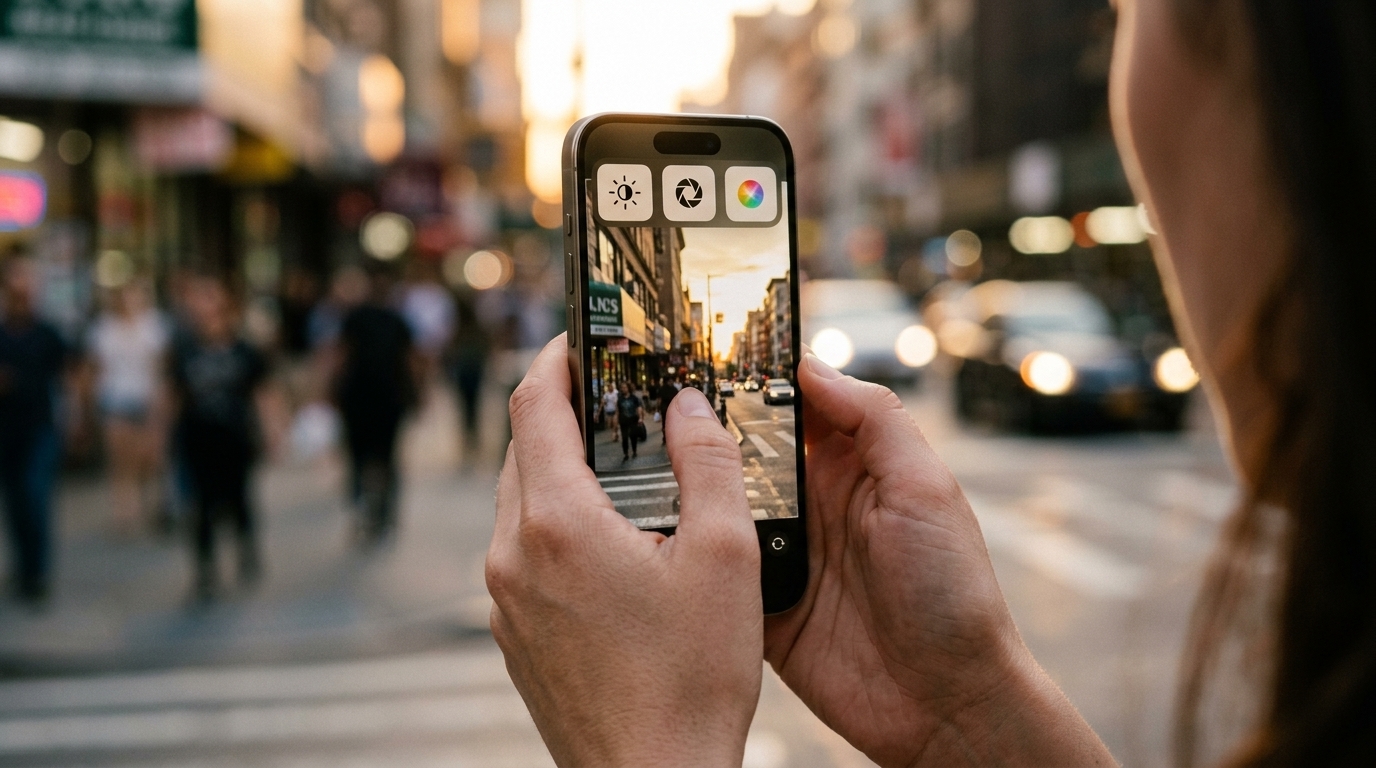
Gurman’s report names specific mechanics. The new layout introduces a transparent “Add Widgets” tray sliding up from the bottom of the screen. Inside, controls live in three categories: Basic, Manual, and Settings. Photographers will pick which widgets dock at the top of the camera interface, and in what order.
| Detail | What Bloomberg Reported |
|---|---|
| Primary source | Bloomberg (Mark Gurman), May 12, 2026 |
| Feature name | “Add Widgets” tray plus advanced layout |
| Widget categories | Basic, Manual, Settings |
| Confirmed iPhone camera widgets | Flash, exposure, timer, depth of field, Photographic Styles, resolution |
| Modes affected | Photo, Video, new Siri mode |
| Default casual layout | Unchanged from current iOS Camera |
| WWDC 2026 reveal | June 8 to 12, 2026 |
| Public release | Fall 2026 (typical Apple cadence) |
| Apple comment | None as of May 18, 2026 |
Importantly, the default casual layout stays untouched. Flash, Live Photos, and Night Mode remain where they sit today for anyone who opens the app and points at a birthday cake. The customizable layout is a separate, advanced mode aimed at professional users. Each shooting mode (Photo, Video, new Siri mode) carries its own widget set, so your video controls do not inherit your stills layout.
Two other tweaks landed in the report. First, the top-right controls panel moves to the right of the shutter button. Second, Apple is adding new grid and level options. The shutter button itself reportedly picks up styling cues from the Apple Intelligence logo.
Protect Your iPhone Investment
Genuine Apple iPhone Cases on Amazon
Apple’s first-party silicone and clear cases shield the Camera Control button, lens module, and finish through real workdays. Browse the current lineup with fast Prime shipping.
Why a Customizable iPhone Camera App Matters
For 14 years I have watched iPhone photography mature while the stock Camera app stayed locked down. Photographic Styles, ProRAW, and the Camera Control button arrived, yet exposure compensation still hides behind a tap-and-hold and Photographic Styles requires a swipe and a menu. On a product shoot last spring I swapped to Halide by the third flat lay because re-dialing exposure compensation between frames was eating shot time. Working photographers leave the stock app for the same reason.
The rumored widget tray would erase the drag. If exposure compensation, depth of field control, and Photographic Styles all sit one tap from the viewfinder, the stock app becomes viable for paid work. For a wedding shooter grabbing reception details, or a product photographer doing flat lays on an iPhone, the workflow finally matches mirrorless body habits.
The hardware story supports the rumor. Apple’s iPhone 16 Camera Control button already exposes slide-to-adjust zoom, exposure, and depth of field. iOS 27’s software customization is the natural next step from the hardware direction. Apple’s hire of Halide co-creator Sebastiaan de With in January 2026 signaled the company was serious about a photographer-grade native experience.
If you shoot iPhone for client work, this rumored shift would change your workflow. Prepare your technique for the new layout with our guide on stepping up your mobile photography game. It covers grid, exposure, and RAW controls Apple is set to surface as widgets in iOS 27.
iOS 27 Camera App vs Halide and ProCam
Halide and ProCam built businesses on filling Apple’s manual-control gaps. The rumor narrows the gap, though it does not close it. Here’s where each side stands based on Gurman’s reporting.
iOS 27 native (rumored): widgets for flash, exposure, timer, depth of field, Photographic Styles, and resolution. Customizable layout. New grid and level options. Three modes, each with its own widget set. Visual Intelligence baked into a dedicated Siri mode.
Halide and ProCam (currently): full manual focus with focus peaking, manual shutter speed and ISO with histograms, RAW and ProRAW workflows, zebras for highlight clipping, false-color exposure tools, and customizable launch shortcuts. Halide adds Process Zero for film-emulation processing.
The unanswered question is whether iOS 27’s iPhone camera widgets expose ISO, shutter speed, and manual focus directly, or whether those stay locked behind the existing tap-and-hold gestures. Gurman’s report lists flash, exposure, timer, depth of field, Photographic Styles, and resolution. Notably absent: ISO, shutter speed, and focus peaking. If Apple ships only the named six iPhone camera manual controls, Halide users still need their pro apps for full manual exposure.
The Sebastiaan de With hire complicates this read. De With shipped Halide for nearly a decade, and I have run his app for most of mine. His fingerprints on the new Camera app design would suggest deeper manual controls than the rumor lists. For photographers, the WWDC keynote on June 8 will settle the question.
Before iOS 27 Ships
Apple iPhone Cases Sized for the Camera Control Button
The new widget tray will live one swipe from your Camera Control gesture. Apple’s first-party cases keep the button responsive and the lens module scratch-free on assignment.
What’s Missing From the iOS 27 Camera App Rumor
Two omissions from Bloomberg’s report deserve photographer attention. First, no mention of a live histogram. Halide and ProCam both ship one, and for exposure-critical outdoor work a histogram beats relying on the screen’s brightness rendering in harsh sun.
Second, the report does not name ProRAW toggle access from the widget tray or any Log video integration. Apple already shoots Log to external SSDs on iPhone 15 Pro and iPhone 16 Pro models. A Log widget in the customizable layout would carry real value for video pros.
Hardware compatibility also remains unclear. The Siri camera mode reportedly requires Apple Intelligence support, which restricts it to iPhone 15 Pro, iPhone 16, and newer devices. Whether widget customization itself ships to older iPhones is an open question. Apple frequently changes feature scope between rumor leak and public release, so read the widget categories as direction rather than final spec.
Curious how the rumored iOS 27 features will reshape Night mode? Our smartphone night photography guide covers what computational tools currently handle and where manual override still wins.
Final Verdict on the iOS 27 Camera App
For photographers who shoot iPhone professionally, the iOS 27 customizable Camera app rumor lands as the most useful news in years. Pinning exposure, depth of field, and Photographic Styles to a one-tap widget tray would eliminate friction the stock app has carried since 2007. This is the first rumored Camera update worth waiting for instead of reaching for Halide.
However, the rumor leaves real gaps. Manual ISO, shutter speed, focus peaking, zebras, and a live histogram are not in Bloomberg’s named widget list. Until Apple confirms otherwise on June 8, Halide and ProCam still hold ground for full manual workflows. Photographers shooting fast-moving subjects or critical exposure work should not delete their pro apps yet.
The value play sits with photographers who use stock Camera for casual work and switch to Halide for paid jobs. A customizable iPhone Camera app native layout would let you stay in one app for both. Faster launch from the lock screen and the Camera Control button on iPhone 16 and newer models tightens the loop. Combined with iPhone 16 Pro hardware, this is the closest Apple has come to a photographer-first stock Camera experience.
WWDC 2026 starts June 8, when iOS 27 camera customization will get its first live demo. Watch the keynote, then check developer beta release notes for the full widget list. If Apple ships everything Gurman described plus ISO and shutter speed, third-party app makers will need a new pitch. In the meantime, keep Halide installed and start thinking about which iPhone camera widgets you want pinned in the new layout. Pair your iPhone with our other essential mobile photography tips while you wait for the official iOS 27 features reveal.
Frequently Asked Questions
When will iOS 27 be released?
Apple will reveal iOS 27 at WWDC 2026, June 8 to 12, 2026. Developer beta begins immediately after the keynote. Public beta typically follows in July, and the full public release ships in September alongside new iPhone hardware.
Will the iOS 27 Camera app replace Halide or other pro camera apps?
For casual and intermediate users, probably yes. For professionals needing manual ISO, shutter speed, focus peaking, zebras, or a live histogram, no. The rumored widget list covers flash, exposure, timer, depth of field, Photographic Styles, and resolution. Full manual workflows stay in third-party territory until Apple expands the iPhone camera manual controls available natively.
Which iPhone camera widgets will iOS 27 let you customize?
Based on Bloomberg’s May 12, 2026 report, the customizable iPhone Camera app exposes widgets for flash, exposure, timer, depth of field, Photographic Styles, and resolution. Widgets fall into three categories: Basic, Manual, and Settings. Each mode (Photo, Video, new Siri mode) carries its own widget set.
Which iPhones will support the iOS 27 customizable Camera app?
Apple has not confirmed compatibility yet. The new Siri camera mode reportedly requires Apple Intelligence support. Compatible devices include iPhone 15 Pro, the iPhone 16 lineup, and presumably the iPhone 17 series launching alongside iOS 27. Whether widget customization itself reaches older devices is unclear pending the June 8 keynote.
Is the iOS 27 Camera widget tray available in video mode?
Yes. Bloomberg’s report states each shooting mode (Photo, Video, and the new Siri mode) carries its own widget set. Video controls will not inherit your stills layout, so you get separate iOS 27 camera customization for each capture format.
What is the Siri camera mode in iOS 27?
Siri mode integrates Apple’s Visual Intelligence features into a dedicated Camera mode. It builds on the Visual Intelligence shortcut currently triggered through the iPhone 16 Camera Control or Action button. Bloomberg first reported the Siri mode on April 29, 2026, ahead of the wider Camera app overhaul.
Will third-party camera apps still work after iOS 27?
Yes. Apple’s Camera customization does not block third-party apps. Halide, ProCam, and Moment will continue running on iOS 27 devices. The rumored stock app overhaul narrows the manual-control gap but does not remove third-party app access from the App Store.

