


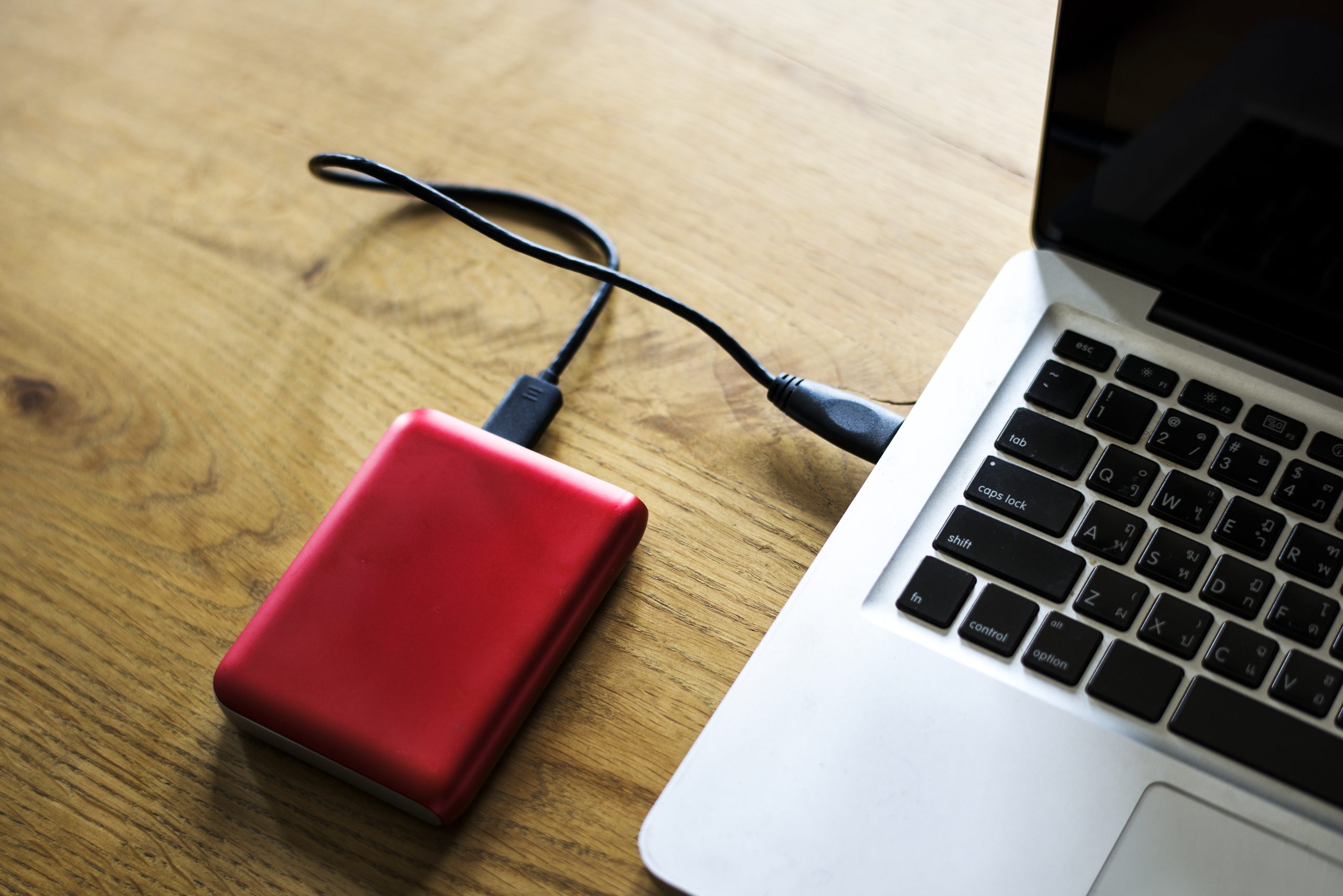
Best External Hard Drives for Photographers in 2026: Complete Buyer’s Guide
Quick Verdict: The best external hard drive for photographers in 2026 is the Samsung T9 Portable SSD, delivering 2,000 MB/s read speeds and enough throughput to edit 50MP RAW files directly from the drive. For budget-conscious shooters, the WD My Passport SSD offers 4TB at roughly $150, making it the strongest value per terabyte. However, if you shoot in harsh conditions, the LaCie Rugged SSD survives 10-foot drops and includes Seagate Rescue data recovery.
Last updated: March 2026 | 9 min read
In This Guide
- Why Photographers Need Dedicated External Storage
- Key Specs at a Glance
- Samsung T9 Portable SSD: Best Overall
- SanDisk Extreme Pro SSD: Best for Field Durability
- WD My Passport SSD: Best Value
- LaCie Rugged SSD: Best for Travel Photographers
- Seagate One Touch SSD: Best for Everyday Backup
- Best External Hard Drive for Photographers: SSD vs HDD
- Best External Hard Drive for Photographers: How Much Storage Do You Need?
- The 3-2-1 Backup Strategy Every Photographer Should Follow
- Best External Hard Drive for Photographers: Side-by-Side Comparison
- Pros and Cons
- Final Verdict
- Frequently Asked Questions
Why Photographers Need Dedicated External Storage
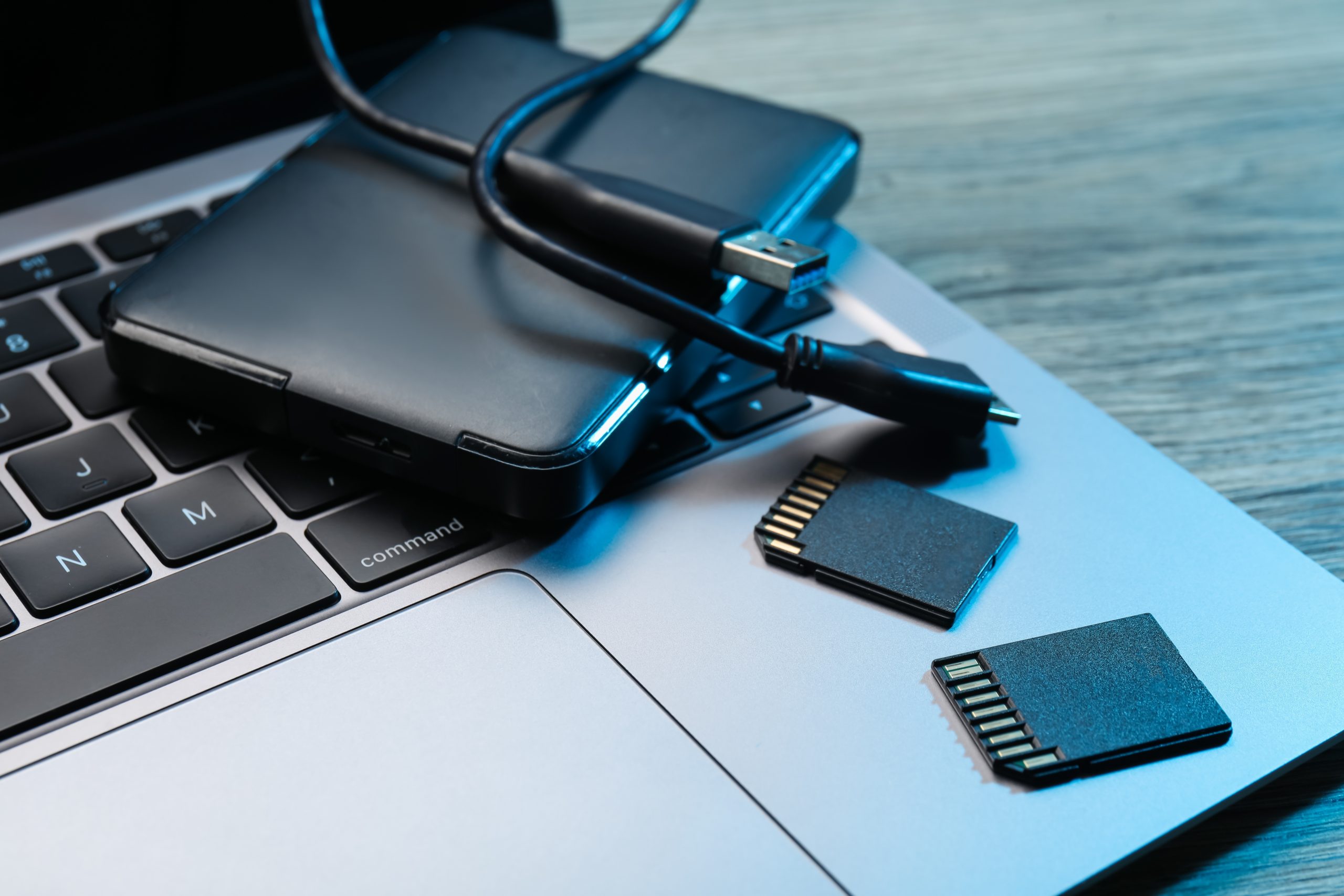
Choosing the best external hard drive for photographers is one of the most important gear decisions you will make in 2026. A single 50MP RAW file from a Canon R5 Mark II takes up 60-80MB of storage. Shoot 500 images at a wedding, and you are looking at 30-40GB from a single day. Without reliable external storage for photo editing, your internal drive fills up fast, your editing software slows down, and your images sit on a single point of failure. If you are still building your gear collection, our beginner photography kit guide covers the full essentials.
The external SSD market has shifted significantly over the past year. Consequently, USB 3.2 Gen 2×2 drives now deliver 2,000 MB/s read speeds, making it practical to edit RAW files directly from a portable hard drive for photographers. You no longer need to copy files to an internal SSD before opening Lightroom or Capture One. As a result, the gap between “backup storage” and “active editing storage” has essentially closed for anyone using a modern external SSD for photographers.
This guide compares five portable hard drives for photographers across speed, durability, capacity, and price. Specifically, each recommendation targets a specific shooting style and workflow. Whether you are a wedding photographer offloading 100GB per weekend or a landscape shooter archiving 10 years of files (check our long exposure photography gear list for related recommendations), one of these drives fits your needs. Additionally, we cover how much storage you need, when to choose an SSD over an HDD, and how to set up a proper backup strategy to protect your work.
Key Specs at a Glance
Before diving into individual reviews, here is how each contender stacks up on the specs most important to your workflow.
| Drive | Capacity | Read Speed | Durability | Price (2TB) |
|---|---|---|---|---|
| Samsung T9 | 1TB-4TB | 2,000 MB/s | 6-foot drop rated | ~$180 |
| SanDisk Extreme Pro | 1TB-4TB | 2,000 MB/s | IP65, 6.5-foot drop | ~$190 |
| WD My Passport SSD | 500GB-4TB | 1,050 MB/s | 6.5-foot drop rated | ~$130 |
| LaCie Rugged SSD | 1TB-4TB | 1,050 MB/s | MIL-STD-810H, 10-foot drop, IP67 | ~$200 |
| Seagate One Touch SSD | 500GB-2TB | 1,030 MB/s | Basic | ~$150 |
Featured on Amazon
Samsung T9 Portable SSD 4TB
2,000 MB/s read speeds with USB 3.2 Gen 2×2. Edit RAW files directly from this drive without lag or stutter.
Samsung T9 Portable SSD: Best Overall
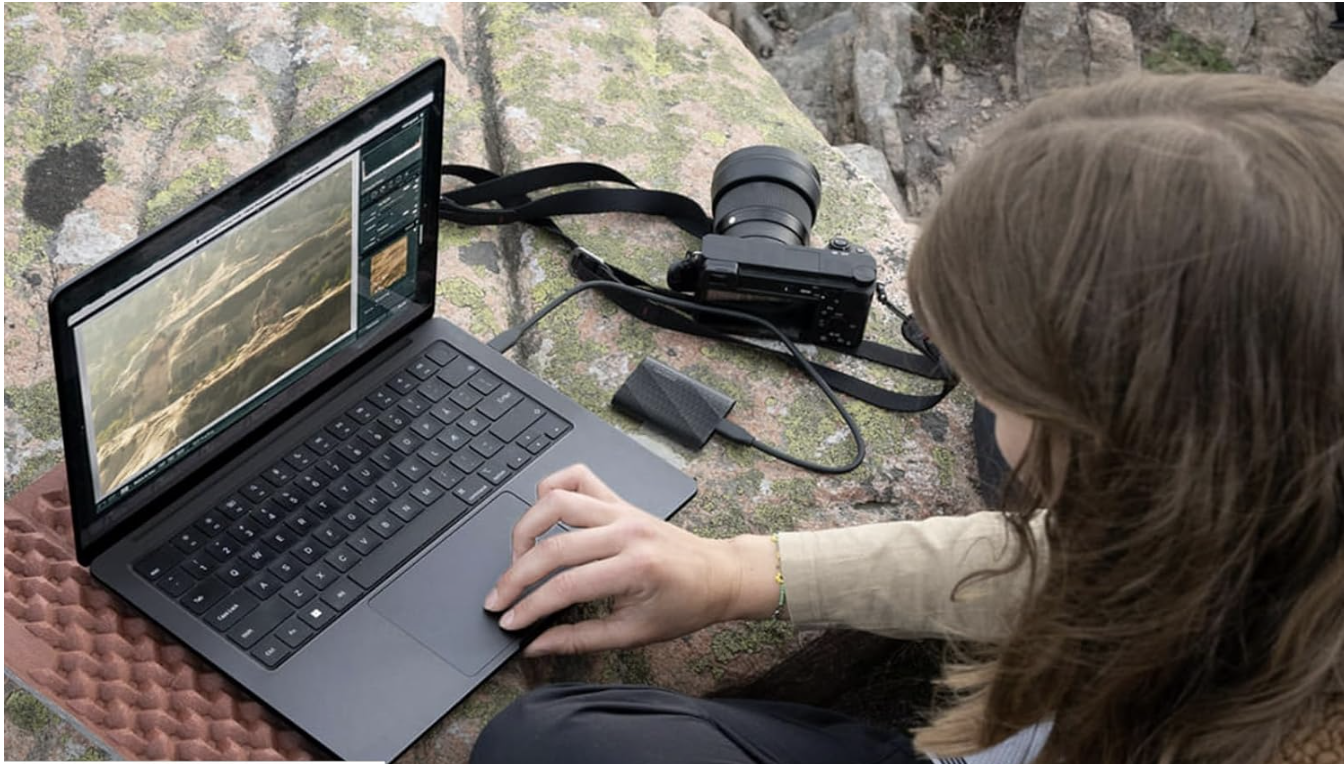
Our top pick overall, the Samsung T9, is the fastest portable SSD for photographers in this roundup, with sequential read speeds hitting 2,000 MB/s over USB 3.2 Gen 2×2. In real-world testing, importing a 64GB SD card of RAW files takes roughly 35 seconds. Compared to the previous-generation T7 Shield (1,050 MB/s), the T9 cuts transfer times nearly in half. For photographers who edit directly from external storage for photo editing workflows, this speed difference is noticeable in Lightroom catalog browsing and Capture One previews.
Samsung offers the T9 in 1TB, 2TB, and 4TB capacities. Although the 4TB model typically sells for $319-$349 on Amazon, sale prices regularly drop to $250-$280. Notably, the drive features a rubberized exterior and a 6-foot drop rating. While this falls short of the LaCie Rugged’s military-grade certification, it provides reasonable protection for studio-to-car transport. Additionally, the T9 includes AES 256-bit hardware encryption, giving you password protection for client files.
Who Should Buy the Samsung T9
This drive is ideal for studio photographers, wedding shooters, and anyone who edits from the external drive rather than copying files to an internal SSD first. If speed is your top priority and you work primarily indoors or in controlled environments, the T9 delivers the best performance per dollar. However, if you shoot in rain, snow, or dusty desert conditions, the SanDisk Extreme Pro or LaCie Rugged offer better environmental protection.
SanDisk Extreme Pro SSD: Best for Field Durability

The SanDisk Extreme Pro matches the Samsung T9’s 2,000 MB/s read speed while adding IP65 dust and water resistance. This means the drive survives exposure to blowing sand and sustained water jets. For landscape and travel photographers who offload images at camp, on a dusty trailhead, or near the ocean, this environmental protection matters. The drive also handles drops up to 6.5 feet onto concrete, which exceeds the Samsung T9’s 6-foot rating.
SanDisk sells the Extreme Pro in 1TB, 2TB, and 4TB sizes. At approximately $190 on Amazon for the 2TB model, it sits about $10 above the Samsung T9 at the same capacity. Because of this, you are essentially paying a small premium for the IP65 rating and the built-in carabiner loop. While the carabiner seems like a minor detail, it lets you clip the drive to a camera bag for quick access during field shoots. Additionally, the drive works with both USB-C and USB-A via the included adapter cable.
Real-World Field Performance
In practical use, the SanDisk Extreme Pro handles well as a portable hard drive for photographers working outdoors. Specifically, the aluminum chassis dissipates heat effectively during sustained transfers, so you will not see thermal throttling when dumping a 128GB CFexpress card after a long shoot. However, there is one trade-off: the drive lacks hardware encryption, unlike the Samsung T9. If you carry client images on location, you will need third-party encryption software to protect your photography external storage.
WD My Passport SSD: Best Value

The WD My Passport SSD stands out for one reason: it offers 4TB of storage in a compact portable form factor at roughly $150. No other external SSD for photographers in this roundup matches this capacity-to-price ratio. Read speeds top out at 1,050 MB/s over USB 3.2 Gen 2, which is half the Samsung T9’s throughput. Still, 1,050 MB/s is fast enough for importing RAW files and running Lightroom without noticeable lag.
WD positions this drive as an everyday best backup storage for photographers who need volume over speed. For example, a wedding photographer generating 50-80GB per event would fill a 2TB SSD in roughly 25-40 sessions. With 4TB, you get a full year of shoots on a single drive. Moreover, the My Passport includes WD’s backup software for automated scheduling, so you set it once and your files sync automatically when you plug in.
When 1,050 MB/s Is Enough
For photographers who copy files to an internal SSD before editing, the My Passport’s speed is more than adequate. Transferring a 64GB card takes about 65 seconds at 1,050 MB/s versus 35 seconds on the Samsung T9. The 30-second difference is minor if you are not editing directly from the drive. Consequently, the WD My Passport SSD is the strongest recommendation for hobbyists and semi-professionals who prioritize storage capacity and budget over peak transfer speed.
Featured on Amazon
WD My Passport SSD 4TB: Best Value Pick
4TB of portable SSD storage at a strong price. Ideal for photographers who need high capacity without breaking the budget.
LaCie Rugged SSD: Best for Travel Photographers
The LaCie Rugged SSD is the toughest drive in this guide, certified to MIL-STD-810H standards. It survives drops from 10 feet, handles temperatures from 32°F to 140°F, and carries an IP67 rating for full dust and water submersion protection. Consequently, for photographers who shoot in deserts, mountains, rainforests, or any harsh environment, this level of protection is not a luxury. Instead, it is insurance against losing irreplaceable images.
LaCie prices the Rugged SSD at approximately $200 for the 2TB model. Included with every purchase is Seagate Rescue Data Recovery, a service worth noting for anyone shopping for the best external hard drive for photographers who travel. If the drive fails within the warranty period, Seagate attempts to recover your data at no additional cost. For this reason, travel photographers working in remote locations where cloud backup is not available get meaningful protection. Read speeds reach 1,050 MB/s, matching the WD My Passport and Seagate One Touch.
The Rugged Advantage in the Field
Although the signature orange bumper adds bulk compared to the Samsung T9 or SanDisk Extreme Pro, the LaCie Rugged measures only 3.9 x 2.7 x 0.6 inches and weighs 3.5 ounces. As a result, it fits comfortably in a camera bag side pocket despite the extra protection. For expedition and travel photographers who need photography external storage they will not worry about, the LaCie Rugged is the safest choice in this lineup.
Seagate One Touch SSD: Best for Everyday Backup
The Seagate One Touch SSD targets photographers who want a straightforward, reliable external SSD for photographers without complex features, making it a solid budget pick for those who prioritize simplicity. Read speeds reach 1,030 MB/s, which is competitive with the WD My Passport and LaCie Rugged. Moreover, the design is slim, lightweight, and available in multiple colors. Seagate offers 500GB, 1TB, and 2TB options, with the 2TB model priced around $150 on Amazon.
One especially useful feature is the included Seagate Toolkit software, which supports automatic one-touch backup and mirror functionality. Simply press the button, and the drive syncs your designated photo folders. While this does not replace a full 3-2-1 backup strategy, it simplifies the daily habit of backing up your work. In addition, the drive ships with both USB-C and USB-A cables, so it works with older laptops and newer machines alike.
Limitations to Consider
However, the Seagate One Touch SSD lacks the durability features of the SanDisk Extreme Pro and LaCie Rugged. There is no IP rating for water or dust resistance, and the drop rating is not published. As a result, this drive is best suited for home and studio use, serving as reliable backup storage for photographers who work indoors. Also, the maximum capacity of 2TB limits its appeal for high-volume shooters who need more space. If you generate more than 2TB of images annually, the WD My Passport SSD’s 4TB option is a better fit for your workflow.
Best External Hard Drive for Photographers: SSD vs HDD
Choosing the best external hard drive for photographers starts with understanding the SSD versus HDD trade-off. An external SSD for photographers costs $80-$200 per terabyte in 2026. In contrast, traditional HDDs run $25-$50 per terabyte. If you need 10TB or more of archive storage, HDDs still make financial sense. However, for active editing and daily use, SSDs are the clear winner.
SSDs deliver 800-2,000 MB/s read speeds, while HDDs top out around 130 MB/s. This 6x-15x speed advantage translates directly into faster Lightroom imports, quicker Capture One previews, and shorter export times. Additionally, SSDs have no moving parts, making them far more reliable during transport. A traditional HDD is vulnerable to head crashes from bumps and vibrations. Specifically, a 3-foot drop onto a hard surface will often destroy an HDD, while every external SSD for photographers in this guide survives drops of 6 feet or more.
When HDDs Still Make Sense
Desktop HDDs remain the most cost-effective option for long-term archive storage. For instance, a Seagate Expansion 24TB desktop HDD costs roughly $350, storing your entire multi-year photo library on a single drive. In this specific use case, speed is not the priority since you are writing files once and reading them rarely. Therefore, pairing a portable SSD for daily external storage for photo editing with a desktop HDD for archiving gives you the best of both setups.
Best External Hard Drive for Photographers: How Much Storage Do You Need?
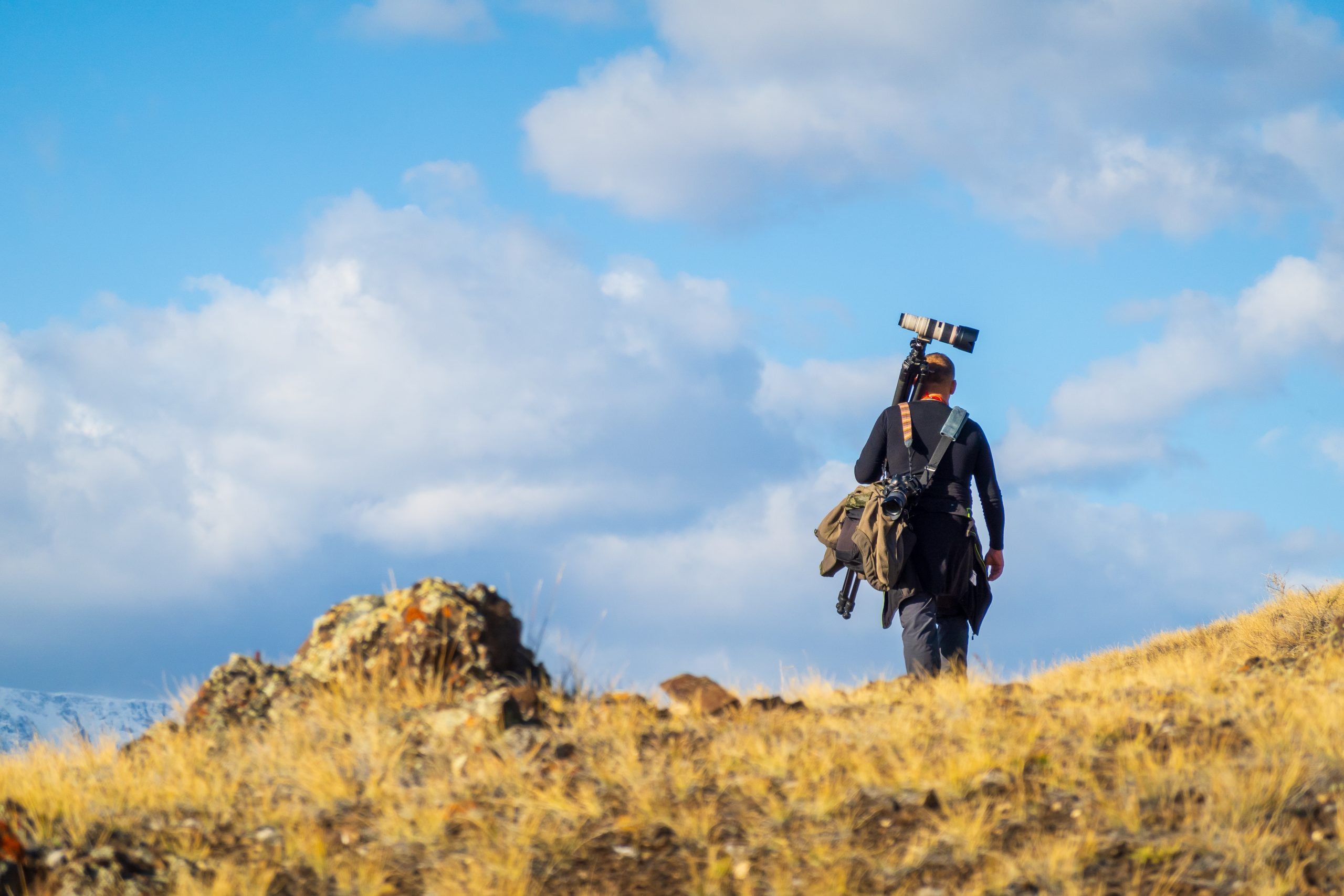
Storage needs vary dramatically based on your shooting volume and file format. For example, a single RAW file from a 50MP camera ranges from 60-80MB. JPEG files from the same camera are 15-25MB. If you shoot RAW plus JPEG, each image consumes roughly 80-100MB of combined space. Here is a practical breakdown by photographer type to help you choose the right portable hard drive for photographers.
| Photographer Type | Monthly Output | Recommended Capacity |
|---|---|---|
| Hobbyist (weekends only) | 10-30GB | 1-2TB |
| Portrait/Family photographer | 30-80GB | 2-4TB |
| Wedding photographer | 100-300GB | 4-4TB |
| Commercial/Studio pro | 200-500GB | 4TB+ (multiple drives) |
| Hybrid photo/video creator | 500GB-2TB | 4TB+ SSD for active, 12TB+ HDD for archive |
One terabyte holds approximately 12,500-16,000 RAW files from a 50MP camera. Consequently, for most hobbyists and semi-professional photographers, a 2TB portable SSD covers 12-18 months of shooting before you need to archive and start fresh. In contrast, wedding and commercial photographers should plan for larger drives or a rotation system with multiple 2TB-4TB SSDs.
The 3-2-1 Backup Strategy Every Photographer Should Follow
Owning a great external drive is only half the equation. Photographer Peter Krogh introduced the 3-2-1 backup rule in 2009, and it remains the gold standard for protecting digital images. Essentially, the rule is simple: keep 3 copies of your data on 2 different storage types with 1 copy stored offsite. By following this strategy, a single drive failure, theft, or natural disaster will never result in permanent image loss.
Here is how to implement this with the drives in this guide. Your first copy sits on your primary editing SSD (such as a Samsung T9 or SanDisk Extreme Pro). Next, your second copy goes to a desktop HDD or a second portable SSD stored in a different physical location. Finally, your third copy uploads to a cloud service like Backblaze B2, which costs $6 per month per terabyte of storage. Because cloud uploads run in the background, this third copy requires no extra effort after the initial setup.
Automating Your Backup Workflow
Several drives in this guide include backup software. For instance, the WD My Passport ships with WD Discovery, and the Seagate One Touch includes Seagate Toolkit. Both support scheduled automatic backups. Alternatively, you set up FreeFileSync (free, open source) to mirror your primary photography external storage to a backup drive every night. Above all, the goal is removing the human element. If backing up requires remembering to do it, you will eventually forget, and the images you lose will always be the ones from your best shoot. For tips on organizing your photo workflow from capture to archive, see our product photography guide.
Best External Hard Drive for Photographers: Side-by-Side Comparison
The Samsung T9 and SanDisk Extreme Pro share the same 2,000 MB/s read speed, yet they serve different photographers. Specifically, the Samsung T9 offers hardware encryption and a lower price point, making it the better studio drive. Meanwhile, the SanDisk Extreme Pro adds IP65 weather resistance and a carabiner loop, targeting field photographers. If you shoot primarily indoors, the T9 saves you money. Conversely, if you shoot outdoors in unpredictable conditions, the SanDisk’s environmental protection is worth the $10 premium.
On the value side, the WD My Passport SSD wins on capacity. At 4TB and approximately $130, nothing else in this roundup comes close on a per-terabyte basis. Its 1,050 MB/s speed is half the Samsung T9’s, although for backup-focused workflows, this difference is minor. In contrast, the LaCie Rugged SSD targets a niche audience: travel and expedition photographers who need MIL-STD-810H certification and Seagate Rescue data recovery. You pay a premium for this protection, and the 1,050 MB/s speed means it is not the fastest option for active editing.
Finally, the Seagate One Touch SSD is the most straightforward drive in the group. It does one thing well: reliable daily backup with one-button simplicity. Although its 2TB maximum capacity and lack of rugged features limit its appeal for high-volume or outdoor shooters, it delivers for a photographer who needs a simple, affordable backup storage solution for photographers.
Pros and Cons
Here is a quick summary of the strengths and trade-offs across every external SSD for photographers in this roundup.
Pros
- Samsung T9 delivers 2,000 MB/s, fast enough for direct RAW editing from the drive
- SanDisk Extreme Pro offers IP65 dust and water resistance for outdoor shoots
- WD My Passport SSD provides 4TB at ~$150, the best capacity per dollar
- LaCie Rugged survives 10-foot drops with MIL-STD-810H certification
- All five drives use USB-C with backward-compatible cables included
- LaCie includes Seagate Rescue data recovery service at no extra cost
- Samsung T9 features built-in AES 256-bit hardware encryption for client files
Cons
- Samsung T9 requires USB 3.2 Gen 2×2 port for full 2,000 MB/s speed; most laptops cap at Gen 2 (1,050 MB/s)
- SanDisk Extreme Pro lacks hardware encryption, requiring third-party software
- WD My Passport SSD maxes out at 1,050 MB/s, too slow for direct RAW editing on high-res cameras
- LaCie Rugged SSD costs $50-$70 more than comparable drives at the same capacity
- Seagate One Touch SSD caps at 2TB, limiting its use for high-volume shooters
- No drive in this roundup offers Thunderbolt 4 connectivity at this price range
Final Verdict
The best external hard drive for photographers in 2026 depends on your shooting style and workflow. For studio and indoor photographers who need maximum speed, the Samsung T9 is the top pick. Specifically, its 2,000 MB/s transfer rate eliminates the need to copy files to an internal drive before editing. As a result, wedding, portrait, and commercial shooters who work in controlled environments will see the biggest benefit from this speed advantage.
On the other hand, field and travel photographers should look at the SanDisk Extreme Pro or LaCie Rugged SSD. While the SanDisk matches the T9’s speed, it also adds IP65 weather resistance at a minimal price premium. The LaCie goes further with MIL-STD-810H military certification, 10-foot drop protection, and free data recovery. Although these extra protections cost more, a single lost shoot from a failed drive costs far more than the price difference between drives.
Similarly, budget-conscious photographers and those who need raw capacity will find the WD My Passport SSD impossible to beat. At 4TB for roughly $130, it stores an entire year of wedding photography on a single portable hard drive for photographers. Although the 1,050 MB/s speed falls short for direct editing of high-resolution RAW files, it handles imports and backups without issue.
For most photographers reading this guide, we recommend starting with the Samsung T9 as your primary editing drive and pairing it with a WD My Passport SSD as your backup. This two-drive setup costs under $400 total, gives you 6-9TB of portable SSD storage, and covers the first two legs of a proper 3-2-1 backup strategy. Then add a $6/month Backblaze subscription for your offsite copy, and your images are protected against virtually any failure scenario. Selecting the best external hard drive for photographers does not require spending thousands of dollars; it requires matching the right drive to your specific workflow.
Featured on Amazon
Ready to Protect Your Photos?
Browse all five recommended drives on Amazon. Check today’s prices and current deals on photography storage.
Frequently Asked Questions
How much storage do I need for photos?
Storage needs depend on your camera resolution and shooting volume. For example, a 50MP camera produces 60-80MB RAW files, and one terabyte holds approximately 12,500-16,000 of these files. Hobbyists shooting on weekends typically need 1-2TB, while wedding photographers generating 100-300GB monthly should consider 4-4TB drives. If you also shoot video, plan for 4TB minimum on your active drive.
Is an SSD or HDD better for photographers?
SSDs are better for active use, including importing, editing, and daily backup. Specifically, they deliver 800-2,000 MB/s versus an HDD’s 130 MB/s, and they have no moving parts, making them safer during transport. However, HDDs remain better for long-term archive storage because they offer 10-24TB at $25-$50 per terabyte. Therefore, the ideal setup uses both: an SSD for daily work and an HDD for archiving completed projects.
What speed external hard drive do photographers need?
For backup and file transfers, 1,050 MB/s (USB 3.2 Gen 2) is sufficient. However, for editing RAW files directly from the external drive, 2,000 MB/s (USB 3.2 Gen 2×2) provides a noticeably smoother experience. In particular, drives below 500 MB/s will create bottlenecks when browsing large Lightroom catalogs or loading high-resolution previews in Capture One.
Is Thunderbolt better than USB-C for photography storage?
Thunderbolt 4 supports up to 40 Gbps (roughly 5,000 MB/s), which exceeds USB 3.2 Gen 2×2’s 20 Gbps. However, most portable SSDs in the $130-$350 price range use NAND flash rated for 1,050-2,000 MB/s, so the drive itself becomes the bottleneck before the connection does. Consequently, Thunderbolt drives cost significantly more while offering minimal real-world speed gains for photography workflows. For this reason, USB-C is the best value for most photographers in 2026.
How do I back up my photography files properly?
Follow the 3-2-1 backup strategy: maintain 3 copies of every image on 2 different storage types with 1 copy stored offsite. In practice, this means keeping your working files on a portable SSD, then storing a second copy on a desktop HDD or another SSD, and finally uploading a third copy to a cloud service like Backblaze B2 ($6/month per terabyte). Also, automate your backups with software like FreeFileSync or the built-in tools from WD and Seagate to ensure consistency.
What is the best external hard drive for RAW photos?
The Samsung T9 is the best external hard drive for photographers shooting RAW. Notably, its 2,000 MB/s read speed loads 50MP RAW files in Lightroom and Capture One without noticeable delay. In addition, the 4TB capacity holds approximately 50,000-65,000 RAW files from a high-resolution camera. For photographers on a tighter budget, the WD My Passport SSD’s 4TB capacity stores more RAW files, although at a slower 1,050 MB/s transfer speed.

