


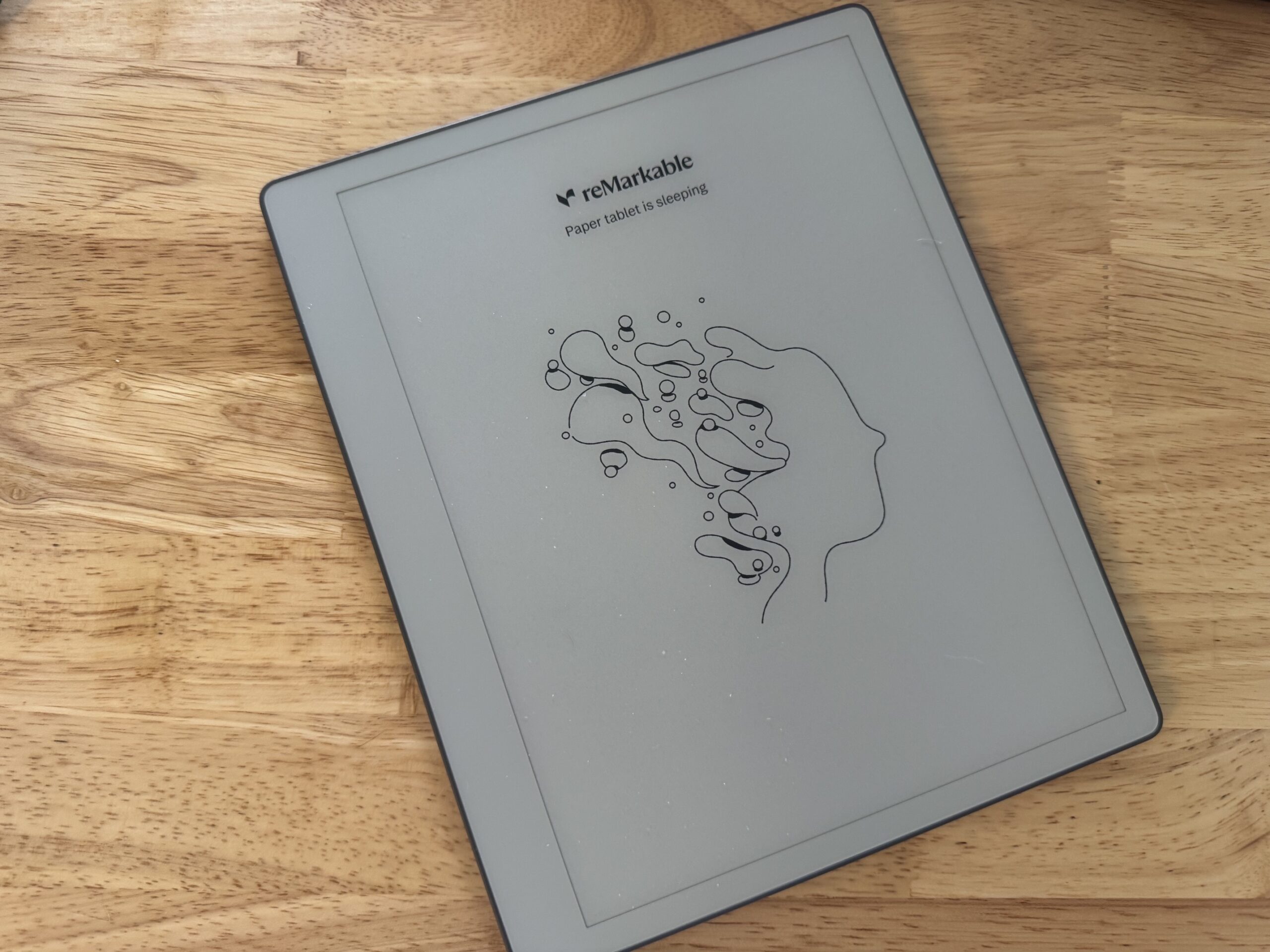
reMarkable Paper Pure Review: Three Weeks With the Purest Digital Notebook Yet
Quick Verdict: The reMarkable Paper Pure is the best pure writing experience you will find on a digital notebook. Writing on it feels like a real notebook, the body weighs almost nothing, and the battery runs for weeks. It strips away color, a front light, and keyboard support on purpose. It does one job, and does it beautifully. If you want a distraction-free notebook you will reach for every day, this is it. If you need to read or write in the dark, look at the Paper Pro instead. The same goes if you want to type long documents on the device.
Last updated: July 2026 | 12 min read
I have owned reMarkable tablets since 2021, two of them before this one. I have used the reMarkable Paper Pure daily for three weeks. Across every version, the writing feel keeps me coming back. As worn as the phrase sounds, it does exactly what it sets out to do. You put the pen to the screen and your brain forgets it is a gadget. This review comes from living with it, so you get the full picture before you buy.
In This Review
- Who the Paper Pure Is For
- Key Specs at a Glance
- Writing Feel: The Whole Point
- Design and Build
- These Machines Last: Five Years of Proof
- Software and the Connect Subscription
- Battery Life
- Paper Pure vs. Paper Pro vs. Pro Move
- The Two Real Drawbacks
- Pros and Cons
- Who Should Buy It
- Frequently Asked Questions
Who the Paper Pure Is For
The reMarkable Paper Pure launched in 2026 at $399 as reMarkable‘s entry-level tablet, and it retires the aging reMarkable 2. It targets one type of person: someone who wants a focused place to write and think, with nothing pulling their attention away. There are no apps, no browser, no email, and no notifications. You get a 10.3-inch black-and-white screen and a pen, and the whole device points at one purpose.
Some people see that as a one-trick pony. I see the single-purpose design as the reason to own it. A phone or an iPad promises to do everything, then buries your notes under a stream of alerts. The Paper Pure holds one lane. When I pick it up, I write, and nothing interrupts me. It made me want to start writing things down again, and it slid into my day the moment I opened the box.
This tablet fits students digitizing lecture notes, professionals who keep client notes organized, and anyone who thinks better with a pen in hand. It replaces the legal pad, the Moleskine, and the pile of loose paper on your desk. It is not built to replace your laptop or your e-reader, and anyone hoping for a do-everything slate will find it limiting. Know which camp you sit in before you spend the money.
Key Specs at a Glance
| Specification | Details |
|---|---|
| Display | 10.3″ monochrome Canvas, E Ink Carta 1300, 226 PPI |
| Processor | 1.7GHz dual-core Cortex-A55 |
| Memory and Storage | 2GB RAM, 32GB storage |
| Writing Latency | 21 milliseconds |
| Stylus | Active Marker or Marker Plus, magnetic wireless charging |
| Front Light | None |
| Color | No (black and white only) |
| Battery | 3,820mAh, up to 3 weeks per charge |
| Weight and Thickness | 360g, 6mm thin |
| Connectivity | Wi-Fi (2.4GHz and 5GHz), USB-C |
| Handwriting to Text | Yes, powered by MyScript OCR |
| Price | $399 with Marker, $449 bundle with Marker Plus and Sleeve Folio |
Compare the reMarkable Lineup on Amazon
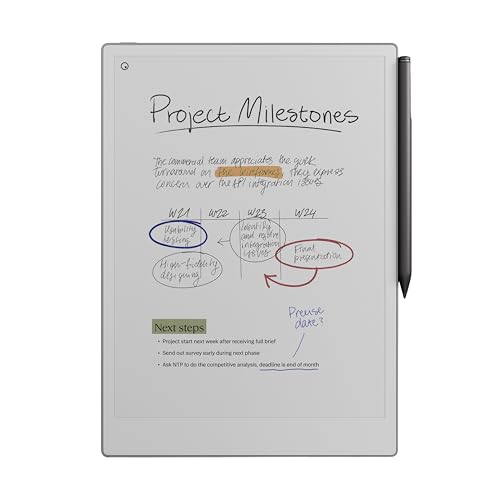
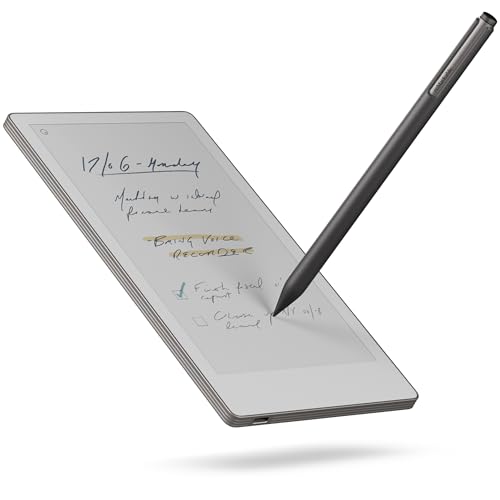
reMarkable Paper Pro Move | Ultraportable Color 7.3" Paper Tablet w…
Writing Feel: The Whole Point
Every reMarkable lives or dies on how writing feels, and the reMarkable Paper Pure delivers the best feel in the lineup. The textured screen gives the pen a light, grippy resistance, close to a ballpoint dragging across the last few pages of a well-worn legal pad. There is a faint, honest tap each time the nib meets the surface. Your handwriting lands under the pen almost instantly, thanks to a 21-millisecond latency your eye never catches lagging.

This is where the Pure earns its keep. The writing experience sits in a league of its own. It is the best handwriting feel I have used on any device, by a wide margin. Coming from my reMarkable 2, the jump is immediate. The Carta 1300 screen runs whiter and higher in contrast. Rich black ink sits sharply against it, with barely any pixelation when you zoom into your notes. My older tablet felt soft and slightly muddy by comparison. The Pure feels crisp and deliberate.
reMarkable’s new active Marker adds to it. The standard pen writes cleanly. The Marker Plus adds an eraser on the back end, so you flip the pen and erase a mistake without breaking your flow. Both snap to the right edge with magnets and charge wirelessly while docked, so you never think about a dead stylus. After three weeks, I find myself inventing reasons to write things down, which is the highest compliment I give a notebook.
One honest note on sound: the Pure writes a touch scratchier than my reMarkable 2. I hear the difference, and I like it. The light friction is part of what makes the strokes feel controlled. Writing feel is personal, so try it against your own hand if you get the chance.

Design and Build
Pick up the reMarkable Paper Pure and the weight surprises you. At 360 grams and 6mm thin, it feels almost weightless, closer to a slim steno pad than a tablet. You hold it one-handed through a long reading or sketching session without the forearm ache an iPad gives you. reMarkable moved from the cold aluminum of the reMarkable 2 to a warm, textured plastic. The result reads as smart engineering rather than cost-cutting. The shell stays rigid, with almost no flex when you press on it.
An asymmetrical bezel runs thicker along one edge. It gives your thumb a resting spot, so you grip the slate without smudging your strokes. The interface flips cleanly for left-handed writers. Flip the tablet over and you find ten exposed plastic screws holding the backplate, not a wall of glued seams. That is a direct nod to right-to-repair rules. It points to a device built for a five-year life, not a two-year upgrade cycle. reMarkable also built the Pure from recycled materials, down to the lithium and cobalt in the battery.
The optional Sleeve Folio wraps the whole device and puts it to sleep the moment you slide it in. It comes in Mist Green, Desert Pink, and Ocean Blue, and it looks sharp. Like most reMarkable accessories, it costs extra, so factor the folio and the Marker Plus into your budget.
These Machines Last: Five Years of Proof
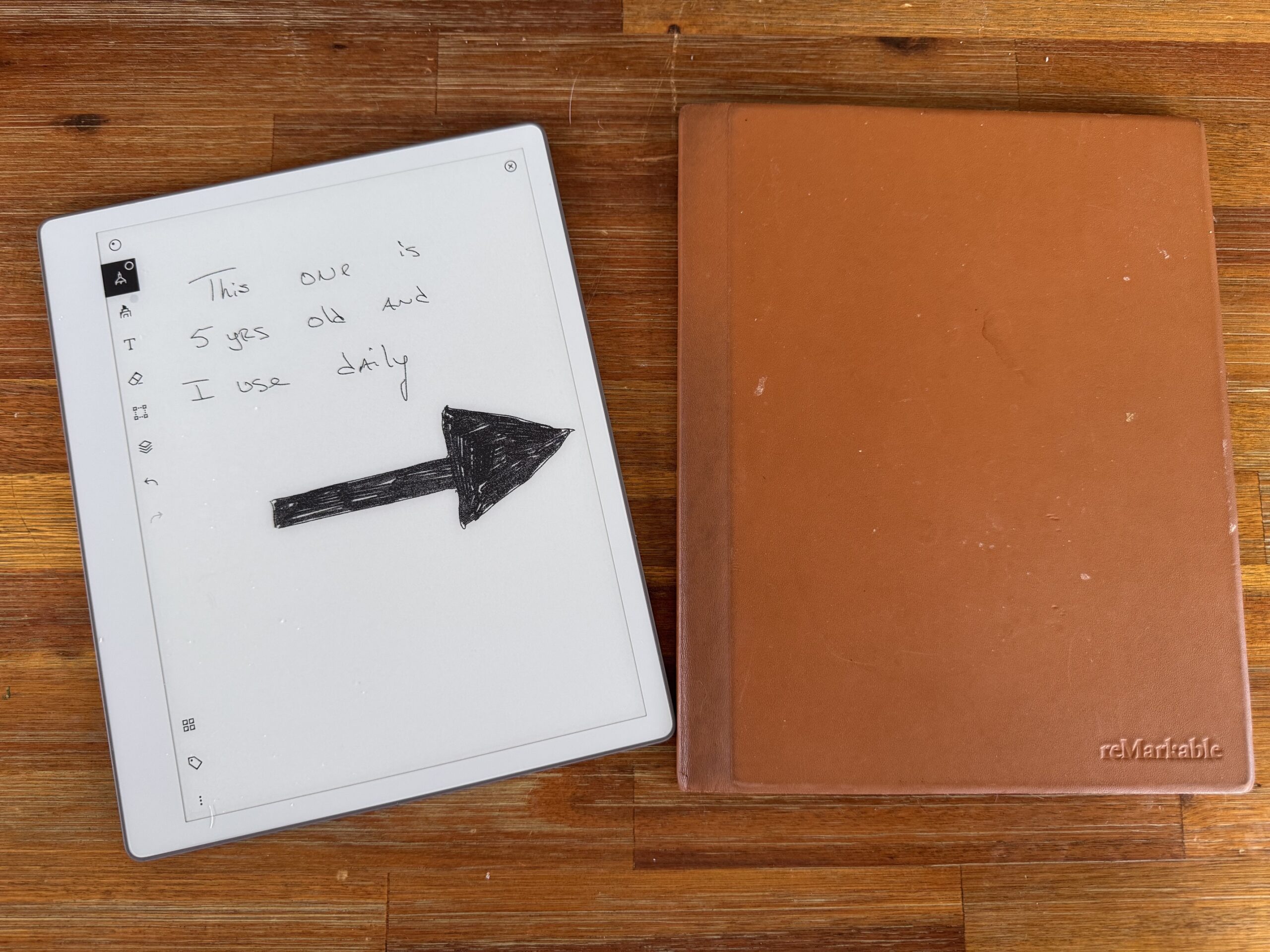
From Experience: I have owned reMarkable tablets since 2021. My reMarkable 2 is coming up on five years old, and it still works as well as the day I bought it. No dead battery, no failing screen, no slowdown. That track record shapes how I judge the price of the Paper Pure.
A $399 tablet sounds steep next to a paper notebook, until you divide the price across the years you will use it. If the reMarkable Paper Pure holds up like my reMarkable 2 has, the cost per year drops to pocket change. You also stop buying stacks of paper notebooks along the way. The repairable build points the same direction. You get exposed screws instead of glue. reMarkable also used recycled materials and designed the body for a five-year life. You buy one of these once and use it for years.
This is the part buyers overlook when they compare the sticker price to a cheaper gadget. A phone feels dated in two years. My reMarkable has outlasted three phones and still earns its spot on my desk every day. That durability is a core reason I keep recommending these tablets.
Software and the Connect Subscription
reMarkable’s software stays a sanctuary for focus. No browser, no app store, no push alerts. What surprised me is how much useful work sits inside that quiet shell. You get folders, tags, templates, PDF markup, and cloud sync out of the box. The device imports PDFs and EPUBs, and marking up a document with the pen is smooth and fast.
The standout tool is handwriting to text. reMarkable skipped the generative-AI pile-on and leaned on machine learning for optical character recognition. The Convert and Share feature reads your handwritten pages. It turns them into typed text you email or send as a link. When you write with the fineliner or ballpoint tool, accuracy is sharp. Push it with heavy cursive or a stylized brush and it stumbles. List formatting sometimes collapses into one block unless you draw a clear dash before each item. My own messy script proves the limits fast. It is genuinely useful, not flawless.
One thing to weigh before you buy: the optional Connect subscription at $3.99 per month. The tablet works well without it. Connect adds handwriting search, calendar sync for Google and Outlook, Slack sending, and unlimited cloud storage. Skip it and reMarkable syncs only files edited in the last 50 days. It is not required, and I flag it so you go in with eyes open on the running cost.
After a couple of weeks, the software faded into the background, which is the goal. I never dug through settings or fought the interface. It gets out of the way and lets you work.
Battery Life
Battery life is where the reMarkable Paper Pure runs away from most of its competition. reMarkable dropped the power-hungry front light and color panel of the Paper Pro and fitted a 3,820mAh cell. The result is staggering endurance. The company rates it at up to three weeks on a charge, figuring about an hour of daily use. In practice, the estimate is conservative. I have gone stretches of heavy writing, PDF markup, and constant syncing without watching the battery drop near empty.
The E Ink screen deserves the credit. It draws power only when the ink shifts during a page turn or a pen stroke. A document left open on your desk sips almost nothing. The Marker charges straight from the tablet while it sits docked on the edge. The pen stays topped up on its own. When the tablet finally needs a refill, it charges over USB-C in about two hours. For a device you carry all day, forgetting about the charger is a real luxury.
Paper Pure vs. Paper Pro vs. Pro Move
reMarkable sells three current tablets, and picking between them comes down to what you value. The reMarkable Paper Pure is the focused writer. Step up to the Paper Pro for color and a keyboard. The Pro Move shrinks the color experience into a pocketable size. Here is how they line up.
| Feature | Paper Pure | Paper Pro | Pro Move |
|---|---|---|---|
| Screen size | 10.3″ | 11.8″ | 7.3″ |
| Display | Monochrome (Carta 1300) | Color (Gallery 3) | Color |
| Front light | No | Yes | Yes |
| Keyboard folio | No | Yes (Type Folio) | No |
| Weight | 360g | ~510g | Pocket-sized |
| Best for | Focus and daily notes | Color work and typing | Portability on the go |
| Approx. launch price | $399 | From ~$629 | From ~$449 |

Choose the reMarkable Paper Pure if you want a clean, monochrome writing pad. It pairs the best feel with the longest battery in the family. Choose the Paper Pro if you need color for highlights and sketches. It adds a front light for low-light work. And its Type Folio keyboard turns the slate into a distraction-free typewriter. Choose the Pro Move if pocketable size beats everything else for you. For most people who mainly write and think, the Pure hits the sweet spot on feel, weight, and price.

reMarkable Paper Pure – 10.3” Paper Tablet with Black-and-White Display – Digital Notebook for Better Thinking, Writing, and Reading. Includes Marker
The purest digital notebook reMarkable has made, built to do one job and do it beautifully.
- Best-in-class paper-like writing feel
- Weightless 360g body you hold for hours
- Up to three weeks of battery per charge
- Distraction-free by design, no apps or notifications
- No front light for low-light use
- No keyboard folio support
The Two Real Drawbacks
Two limits are worth your attention, and both come from reMarkable’s decision to keep this device simple.
First, there is no front light. Real paper does not glow, and reMarkable left the light out on purpose to keep the writing feel clean and the battery huge. In bright daylight or a well-lit room, the textured screen looks lovely and fights glare. The moment the sun goes down, you are at the mercy of whatever light is around you. If you journal in bed while someone sleeps, you will need a lamp. The same is true in a dim lecture hall or on a night flight. On a $399 device in 2026, no light is a hard pill to swallow, and I understand why it frustrates people. It never bothered me in daytime use, but you should know your own routine.
Second, there is no keyboard support. The Pure has no pogo pins, so it will not take reMarkable’s Type Folio keyboard. This is handwriting only. If you want to type up long notes or draft documents on the device itself, you cannot. The Paper Pro is the model built for typing. For me, handwriting is the point, so I never missed it. For a heavy typist, the gap is real.
Pros and Cons
Pros
- Best paper-like writing feel in the reMarkable lineup
- Weightless 360g body you hold for hours
- Up to three weeks of battery per charge
- Distraction-free by design, no apps or alerts
- Sharp, high-contrast Carta 1300 screen
- Handwriting-to-text conversion built in
- Repairable build with recycled materials
Cons
- No front light, so low-light use needs a lamp
- No keyboard folio support, handwriting only
- Some features sit behind the $3.99/month Connect plan
- Accessories add to the total cost
Who Should Buy It
The reMarkable Paper Pure is the tablet I keep reaching for. After three tablets from this brand, it is my favorite of the bunch. It nails the one thing it sets out to do. The writing feel leads the market, the body disappears into your bag, and the battery frees you from the charger for weeks. The simplicity some call a limit is the exact reason it works. It gives your ideas a quiet place to land. My reMarkable 2 is my guide here. You will still be writing on this one five years from now, which keeps the running cost low.

Buy it if you want a focused digital notebook for meetings, lectures, journaling, or thinking on paper without the pull of a full tablet. Skip it if you need to read or write in the dark. Skip it if you want to type long documents, since it has no keyboard. And skip it if you want a do-everything slate with apps and an e-book store. Those buyers should look at the Paper Pro or a more flexible tablet. For everyone who mainly wants to write, the reMarkable Paper Pure is an easy recommendation.
Frequently Asked Questions
Is the reMarkable Paper Pure worth it?
Yes, if you want a focused writing device. You get the best writing feel in reMarkable’s lineup, a body that weighs almost nothing, and weeks of battery. These tablets also last. My reMarkable 2 is nearly five years old and still runs like new, so the price spreads across years of use. After three weeks with the Pure, it earns its spot on my desk. It is not worth it if you need color, a front light, or a keyboard, since it leaves all three out by design.
Does the reMarkable Paper Pure have a backlight?
No. reMarkable left the front light out to keep the writing feel clean and the battery long. In daylight or a lit room the screen looks great. In the dark you will need a lamp. If low-light use matters to you, the Paper Pro includes an adjustable light.
Can you type on the reMarkable Paper Pure?
No. The Paper Pure is handwriting only and does not support reMarkable’s Type Folio keyboard. If you want to type long notes or documents on the device, the Paper Pro is the model with keyboard support.
reMarkable Paper Pure vs. Paper Pro: which should you get?
Get the Paper Pure for the best monochrome writing feel, the lightest body, and the longest battery at a lower price. Get the Paper Pro for color, a front light, a larger screen, and keyboard support. Most people who mainly write and think are happy with the Pure.
How long does the reMarkable Paper Pure battery last?
reMarkable rates it at up to three weeks per charge, figuring about an hour of daily use. In real-world use, the estimate looks conservative. Dropping the color panel and front light gives it far longer endurance than the Paper Pro.
Do you need the Connect subscription?
No, the tablet works well without it. Connect costs $3.99 per month and adds handwriting search, calendar sync, Slack sending, and unlimited cloud storage. Without it, reMarkable syncs files edited in the last 50 days.

