


Quick Facts:
- Product: Apple MacBook Pro (2026 redesign, rumored)
- Display: OLED tandem panel with touch support (rumored)
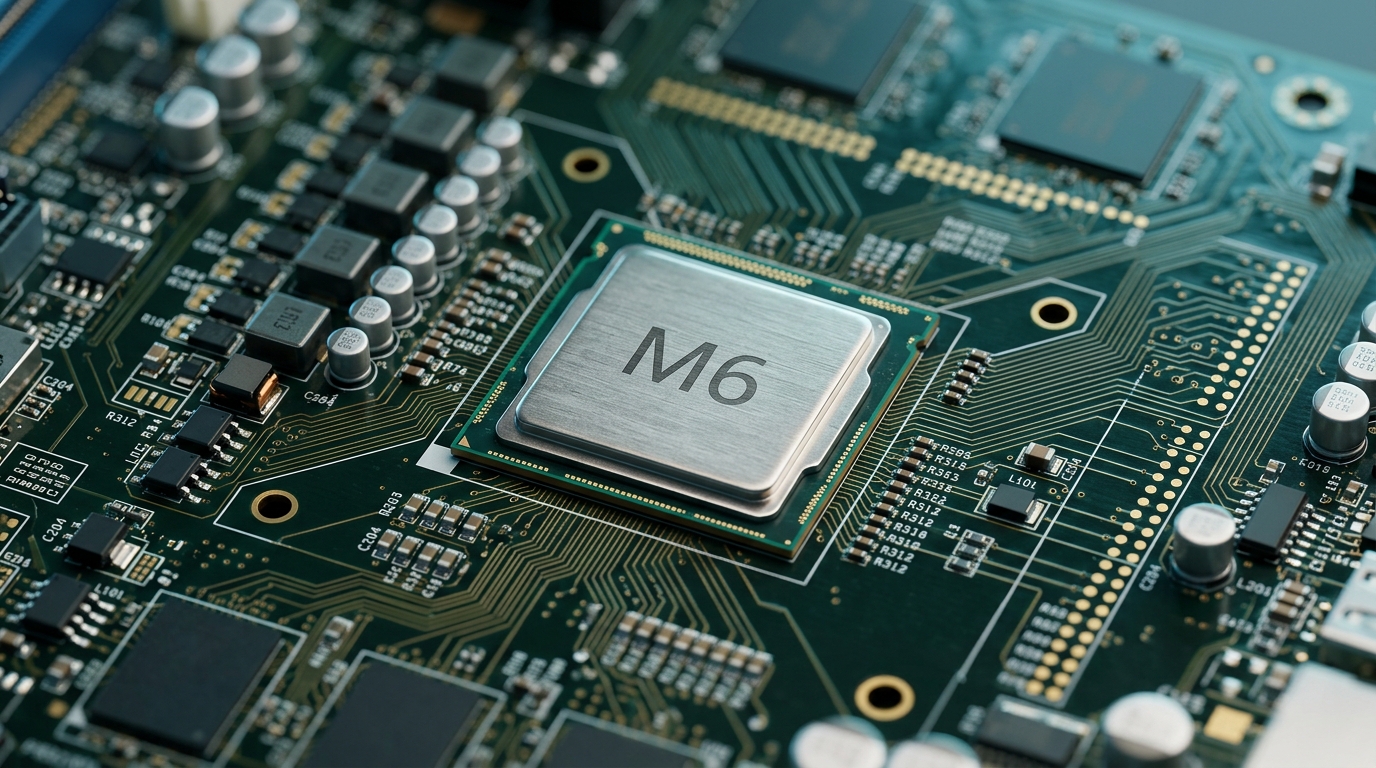
- Chip: M6 Pro and M6 Max on TSMC 2nm (rumored)
- Connectivity: Optional built-in 5G via Apple modem (rumored)
- Ports: HDMI, MagSafe, and SD card slot retained (rumored)
- Launch window: Late 2026 to early 2027 (rumored)
- Source status: Leaks and supply-chain reports, unconfirmed by Apple
- Best for: Photographers weighing an upgrade now versus waiting
8 min read
In This Article
- A Photographer’s Overview
- Rumored Specs at a Glance
- What the OLED Touchscreen Means for Editing
- Touch Input in Lightroom and Capture One
- M6 Power, 5G, and On-Location Editing
- The Camera Cutout and Status Island
- The OLED Color-Accuracy Question
- A Travel Editing Day
- New Model vs. Today’s MacBook Pro
- Final Thoughts
- Frequently Asked Questions
A Photographer’s Overview of Apple’s Touchscreen MacBook Pro
Apple looks set to release a touchscreen MacBook Pro in late 2026 or early 2027. For photographers, the shift matters more than for most laptop buyers. Leaks from supply-chain tipsters point to an OLED screen, touch input, a slimmer body, and a new chip. Specifically, anyone who edits raw files away from the desk will feel these rumored changes in daily work. Below, you get a clear read on each feature and what it means for your images.
First, a reality check. None of this is official. Although Bloomberg’s Mark Gurman and a tipster known as Instant Digital have both described the redesign, Apple has confirmed nothing. Therefore, treat every spec here as a well-sourced rumor, not a promise. Still, the direction stays consistent across leaks, so the picture is worth understanding now.
Who should care most? Working photographers and serious hobbyists who edit on a laptop will feel these upgrades the hardest. For example, landscape and travel shooters gain from a brighter screen and longer battery life. Studio and event photographers, meanwhile, gain from faster exports and quicker tethered capture. Casual shooters, by contrast, will notice the touchscreen first and the silicon second.
Rumored Specs at a Glance
The table below summarizes the leaked details. Again, every line stays unconfirmed until Apple speaks.
| Specification | Details |
|---|---|
| Display | OLED tandem panel with touch support (rumored) |
| Processor | M6 Pro and M6 Max on TSMC 2nm (rumored) |
| Performance gain | About 15% faster, 30% better efficiency vs 3nm (rumored) |
| Camera cutout | Hole-punch with a Dynamic Island (rumored) |
| Connectivity | Optional built-in 5G via Apple modem (rumored) |
| Ports | HDMI, MagSafe, and SD card slot retained (rumored) |
| Launch window | Late 2026 to early 2027 (rumored) |
| Confirmed by Apple | No |
What the OLED Touchscreen MacBook Pro Means for Editing
Apple plans to move the MacBook Pro from mini-LED to OLED, using the same tandem panel found in the iPad Pro. As a result, an OLED display brings true blacks, near-infinite contrast, and per-pixel light control. Specifically, shadow detail in a night cityscape or a low-key portrait reads more clearly while you work. Mini-LED, by contrast, uses dimming zones, so deep shadows sometimes show faint blooming around bright edges. OLED removes the blooming entirely.
Touch support also changes how you reach the screen. Because Apple describes the feature as touch-friendly, not touch-first, the keyboard and trackpad stay central. Still, lifting a hand to place a mask, set a gradient, or pinch into a 100% crop becomes a natural option. For culling and quick local adjustments, therefore, your fingertip often beats the cursor.
Touch Input in Lightroom and Capture One

Touch editing already works well on the iPad, so the desktop apps start with an advantage. For instance, Lightroom on iPadOS supports brushes, sliders, and masking by finger or pencil. Capture One also ships an iPad version with touch-driven layers and adjustments. Because the same input would reach macOS, you get both worlds: precise trackpad work for fine masks, and direct touch for big moves like exposure and crop.
Speed is the real win here. For many editors, culling a wedding gallery by tapping picks and rejects feels faster than arrow keys. Likewise, dodging and burning with a fingertip mirrors how retouchers work on a tablet. However, frequency-separation work still favors a stylus or trackpad for accuracy. Use touch for the broad strokes, then the pointer for the detail.
M6 Power, 5G, and On-Location Editing
The rumored M6 chip arrives in Pro and Max versions built on TSMC’s 2nm process. Compared to the current 3nm parts, leaks suggest about 15% more speed and 30% better power efficiency. For photographers, therefore, faster exports and longer battery life mean more frames processed per charge in the field. As a result, a full travel gallery exports sooner, and your battery lasts through a longer shoot.
Built-in 5G is the sleeper feature for location work. Today, a Mac borrows cellular data from a nearby iPhone hotspot. Instead, an Apple modem inside the laptop would let you upload selects to a client or cloud backup without a phone. Also, pairing the machine with external storage for your photo library tightens the offload-and-deliver loop. Notably, a related Apple modem already ships in Apple’s current iPhone lineup, so the approach is field-tested.
The Camera Cutout and Status Island
Apple plans to drop the notch and add a hole-punch camera framed by a Dynamic Island, similar to the iPhone. For editors, the Dynamic Island surfaces export progress, timers, and AirDrop transfers at a glance. During a long batch export, therefore, you track progress without leaving the develop module. Because Macs lack Face ID sensors, the island runs smaller than on a phone.
The wider benefit is fewer interruptions. For example, a backup finishes, a render completes, or a download lands, and the island shows it quietly. Photographers juggling tethered capture and edits, meanwhile, save clicks with the ambient status. Small as it sounds, the feature trims friction across a full session.
The OLED Color-Accuracy Question
OLED looks stunning, yet color-critical editors should stay clear-eyed. Because pixels age, the panels shift slightly in brightness and hue, and deeply saturated content sometimes pushes tones warmer. For most editing, Apple’s factory calibration and reference modes handle this well. However, print-matched proofing still demands a hardware calibrator and a known target. Above all, understanding how color shapes a photograph matters more than the panel type alone.
Brightness consistency also helps when you grade a full set. Specifically, a uniform panel keeps the tenth photo looking like the first. Mini-LED handles this differently, with zone dimming behind the image. Neither approach is wrong; instead, the OLED simply trades one set of strengths for another. Knowing the trade-off keeps your edits honest.
A Travel Editing Day With the New MacBook Pro
Consider a two-week travel assignment. Each morning, you shoot 600 frames across changing light. Then, by midday, you cull on the laptop in a cafe, tapping picks on the OLED display rather than clicking. As a result, quicker culling means more time outside with the camera.
By evening, the workflow tightens. First, you cull 600 frames to 80 selects in minutes by tapping the screen. Then the M6 chip exports a 200-image client preview while you eat. Meanwhile, built-in 5G pushes the finished gallery from the hotel lobby, with no hunt for a hotspot. Across the day, therefore, each rumored upgrade removes one real delay.
Touchscreen MacBook Pro vs. Today’s MacBook Pro: Should You Wait?
Current machines remain strong editing tools. For example, the current lineup starts around $1,599 and runs Lightroom, Photoshop, and Capture One smoothly. Because the upgrade math already favors a recent chip, a laptop three or more years old justifies buying now. Otherwise, waiting 12 to 18 months for rumored features carries real cost in lost productivity.
Still, three rumored upgrades might justify the wait for some shooters. Together, an OLED display, built-in 5G, and a 2nm M6 chip reshape on-location editing. For a landscape or travel photographer who lives in the field, those gains are meaningful. Therefore, match the decision to your shooting life, not to the hype cycle.
Price is the final variable. Because new display and chip technology arrives at a premium, expect the touchscreen MacBook Pro to cost more than today’s entry point. Instead, budget-minded editors might find the current generation, discounted after the launch, the smarter buy. Above all, weigh the upgrade against a calibrated external monitor, which often improves editing more than a new laptop.
Final Thoughts
A touchscreen MacBook Pro with OLED, 5G, and the M6 chip would be Apple’s biggest editing-laptop change in years. For photographers, the standout is the screen and the field connectivity, not the touch novelty. Specifically, if you shoot and edit on location, these upgrades target your exact pain points.
The trade-offs stay real, though. For instance, OLED demands calibration discipline for print work, and the rumored price premium will sting. Therefore, photographers who proof for galleries or fine-art printing should test any OLED Mac against a known target first. Touch, meanwhile, helps culling and rough edits more than precision retouching.
On value, current machines still earn their place. Because they handle heavy raw files and exports without complaint, the price often drops once new models land. For most editors, moreover, a calibrated monitor and fast storage improve results more than a touchscreen would this year.
One final recommendation stands out. If your current laptop works, wait for the official announcement and read the calibration reviews before upgrading. Otherwise, buy a current model today, or pair a Windows alternative like the Surface Pro 12 with a calibrated display. Match the tool to your shooting, and the rumors lose their pressure.
Frequently Asked Questions
Is a touchscreen MacBook Pro good for photo editing?
Touch helps with culling, masking, and quick local adjustments, where a fingertip beats the cursor. However, fine retouching still favors the trackpad or a stylus for precision. Used together, touch and pointer cover both broad edits and detail work.
Is an OLED screen good for color-accurate editing?
An OLED display delivers true blacks and high contrast, which help shadow detail. For print-matched accuracy, though, you still calibrate with a hardware tool and check a known target. Therefore, calibration discipline matters more than the screen type.
When is the new MacBook Pro coming out?
Leaks point to a launch window between late 2026 and early 2027. So far, Apple has not confirmed a date. Because production reportedly ramps slower than first expected, the timing might slip.
Will the new MacBook Pro have built-in 5G?
Reports describe an optional built-in 5G modem, a first for any Mac. With it, you upload selects in the field without an iPhone hotspot. Still, Apple has not confirmed the feature yet.
Should I wait for the touchscreen MacBook Pro or buy now?
If your laptop is three or more years old, buying now usually wins on productivity. By contrast, heavy on-location editors who want OLED plus 5G might gain from waiting. Either way, match the choice to how and where you shoot.

